2.4.3
SERVO CHAPTER 4
GEODIMETER SYSTEM 600
or
or
or
or
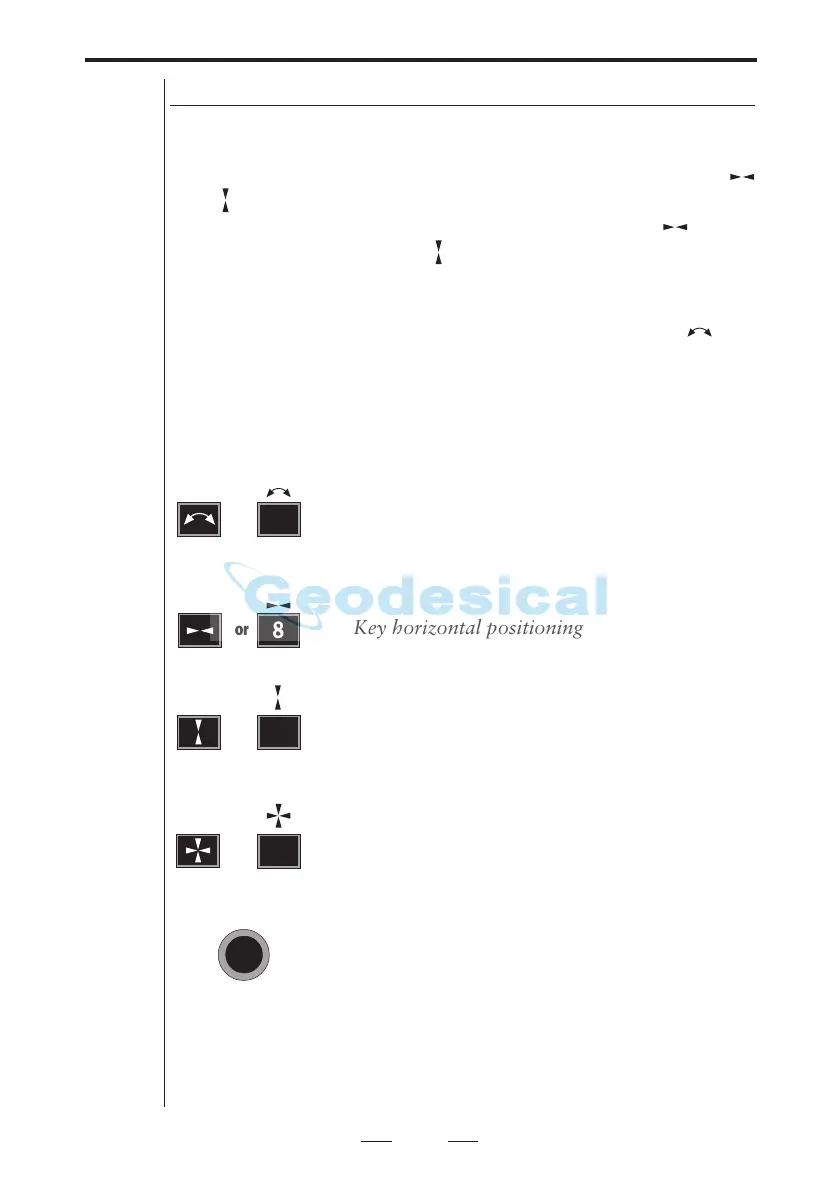
Servo control keys
When you are about to position the instrument towards a
point that are known, that is when the horizontal and
vertical angle is known you can use the servo control keys
and for positioning the instrument. Simply enter label 26
and 27 or SON and SOE and press the control key for
horizontal positioning and for vertical positioning. As
soon as the key has been pressed the servo will position the
instrument at the right position.
When measuring in two faces you can use control key for
switching between face 1 and face 2.
9
8
7
When measuring in two faces, this key is used
for switching between C1 and C2.
Key horizontal positioning
Key for vertical positioning
Key for horizontal and vertical positioning.
This key is used for switching between C1
and C2 when measuring in two faces. It is
available on instruments with no keyboard
unit attached at the front. A long press on
this key switches the face.
6


 To Next Page
 Loading...