1.2.9
PRE-MEASUREMENT CHAPTER 2
GEODIMETER SYSTEM 600
1
ENT
ENT
MNU
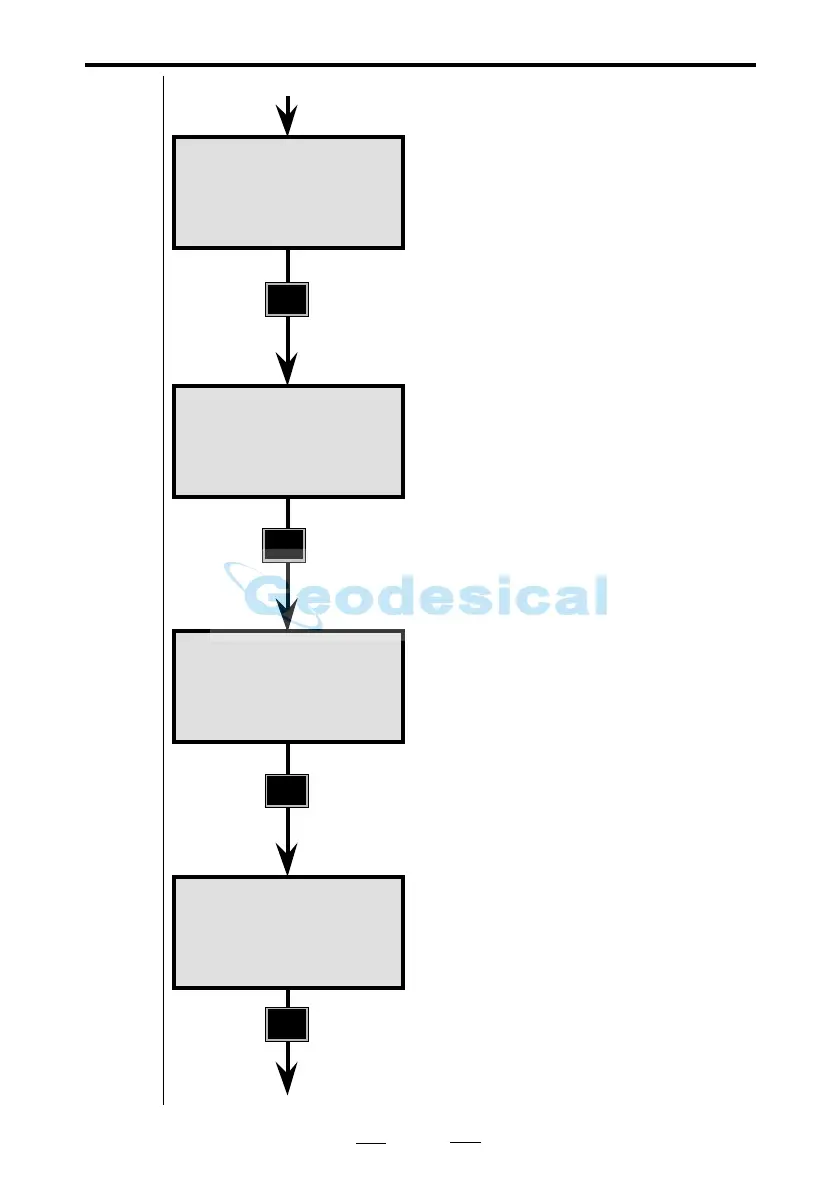
You wish to calibrate the clock. Press
1.
Note!
Time and date can also be set by using
function 52 (F52) and function 51
(F51).
These values were in the instrument at
the time it left the factory. Key in
today's actual values and press ENT.
Key in your time. Press ENT when the
time is synchronized.
You are returned to prog. P0.
If you are not used to the order of
year/month/day and would rather
have the normal European standard of
day/month/year, press MNU.
Time 18:24
1 Set time
2 Time system
Time 18:25
Date=1997.0607
Time 18:25
Date=1997.0607
Time=18.2540
STD P0 18:25
HA: 192.8230
VA: 91.7880
Note!
☛
From previous page
See next page



 To Next Page