1.2.29
PRE-MEASUREMENT CHAPTER 2
GEODIMETER SYSTEM 600
Test 19:12
1 Instrument Ver.
2 Memory Test
Instrument test
MNU
5
4
Instrument
test
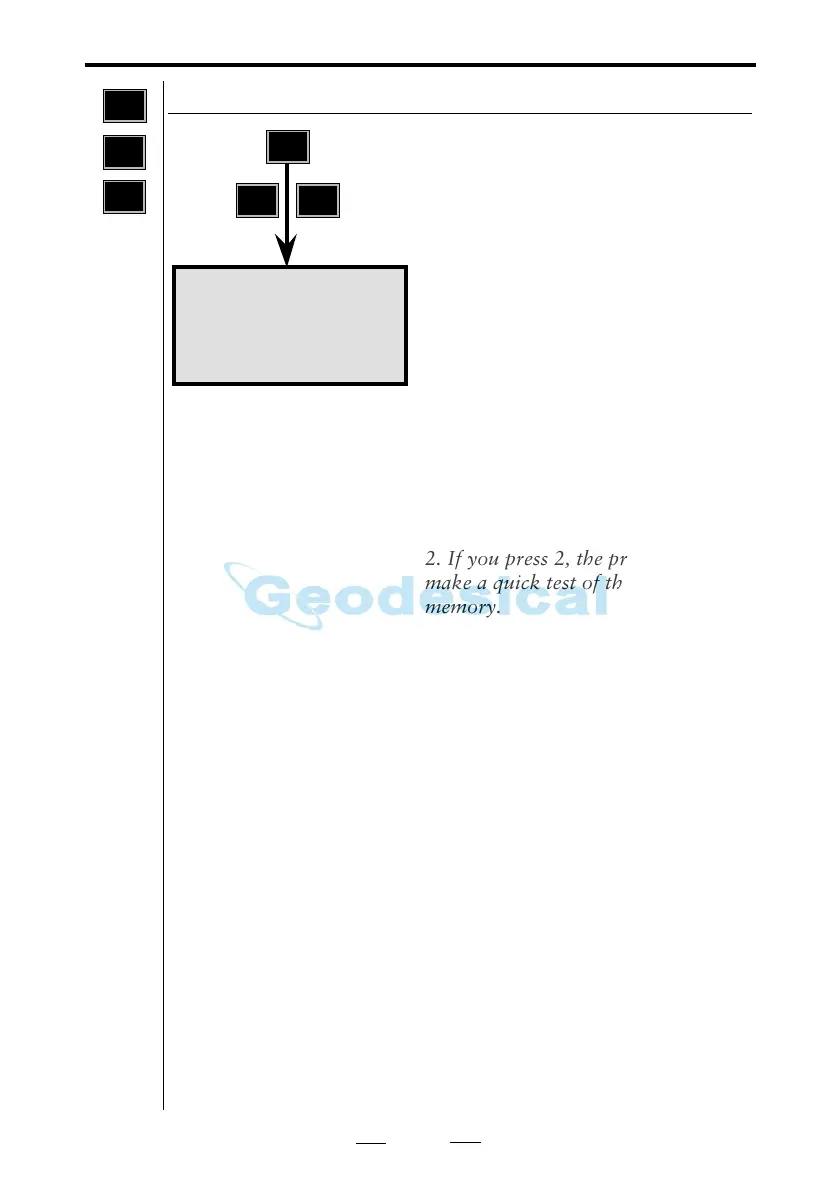
Switch on the instrument and enter
menu 5-4.
Choose either 1, Instrument Ver. or
2, Memory Test.
1. If you press 1 you will be able to
view the current program version
installed in your instrument.
(With a long press on the PRG-key
you can also see the current program
version installed in your keyboard,
see page 1.1.19).
2. If you press 2, the program will
make a quick test of the instrument
memory.
4
MNU
5



 To Next Page