Zoom | 118Applications
Reference Arc -
Measure to start
point
Next step
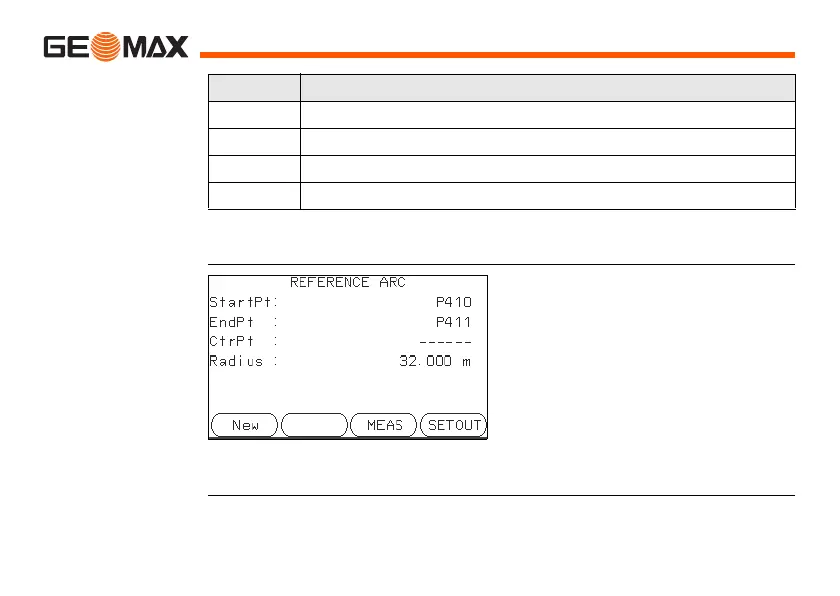
After defining the reference arc the REFERENCE ARC screen will appear.
REFERENCE ARC
Next step
Select a softkey option, MEAS or SET OUT, to proceed a subapplication.
Field Description
Start Pt Point ID of the start point.
C-Pt Point ID of the center point.
End Pt Point ID of the end point.
Radius Radius of the arc.
New
To define a new base arc.
MEAS
To measure Line & Offset.
SET OUT
To set out.



 To Next Page
 Loading...









