Zoom | 188Calibration
11.6 Servicing the Tripod
Service the
tripod step-by-
step
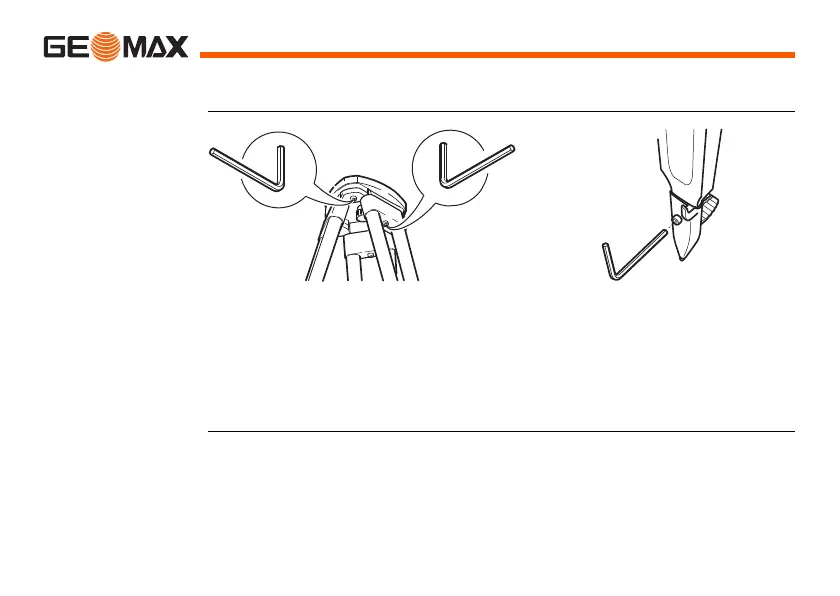
1) Tighten the leg cap screws moderately with the allen key supplied.
2) Tighten the articulated joints on the tripod head just enough to keep the
tripod legs open when lifting the tripod off the ground.
3) Tighten the screws of the tripod legs.
)
The connections between metal and timber components must
always be firm and tight.
1
2
3



 To Next Page
 Loading...









