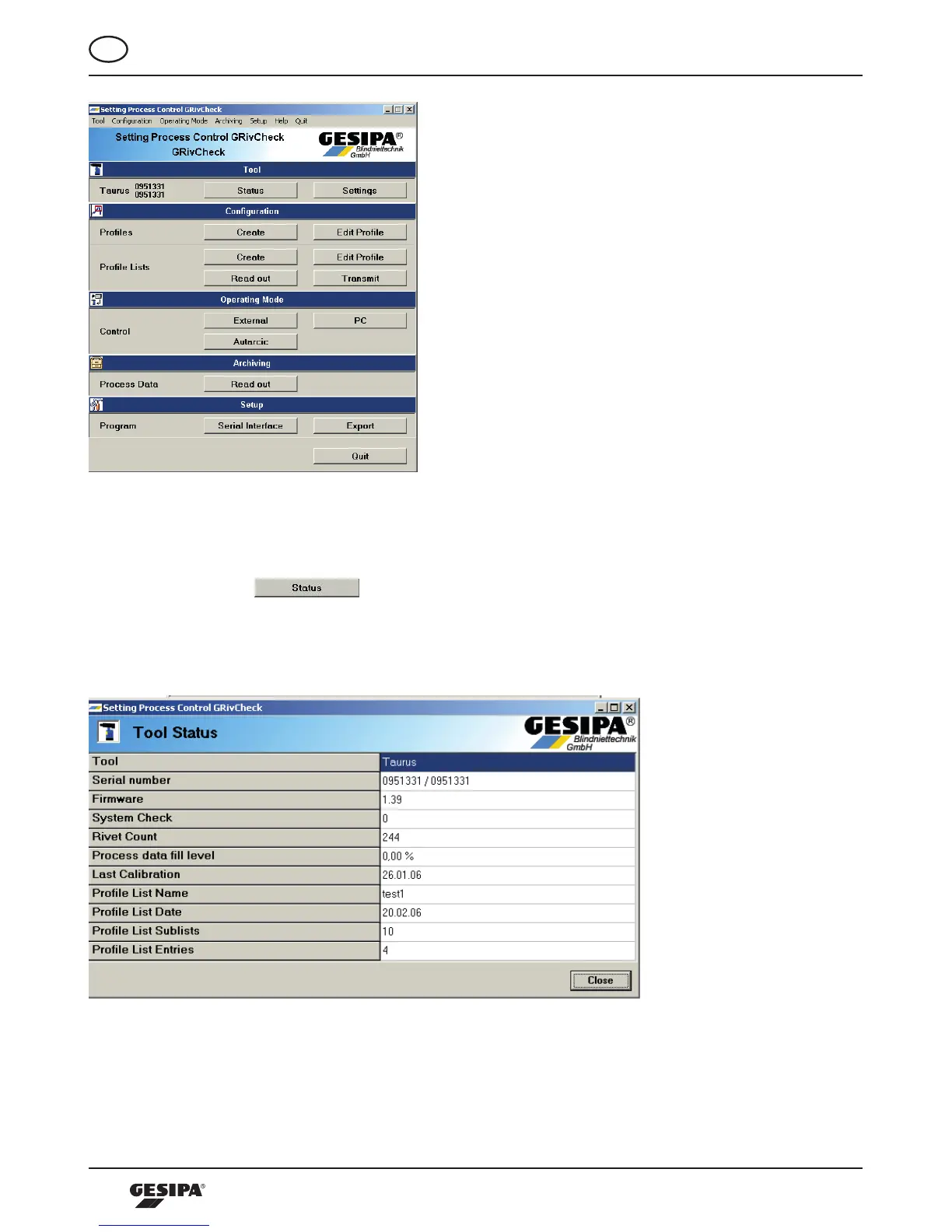
Illustration 3: Start screen of the operating software
10.1 Status and Setting of the Processing tool
Byactuatingthe -buttonintheprocessingtoolareathecurrentstatusof
the connected processing tool can be called up, illustration 4. The user receives important
information about the current status of the processing tool, such as the filling level of the
process data memory or details for the current profile lists stored in the tool.
Illustration 4: Current status data of the connected processing tool



 To Next Page