10.2.3 ReadingOutandTransferringProleLists
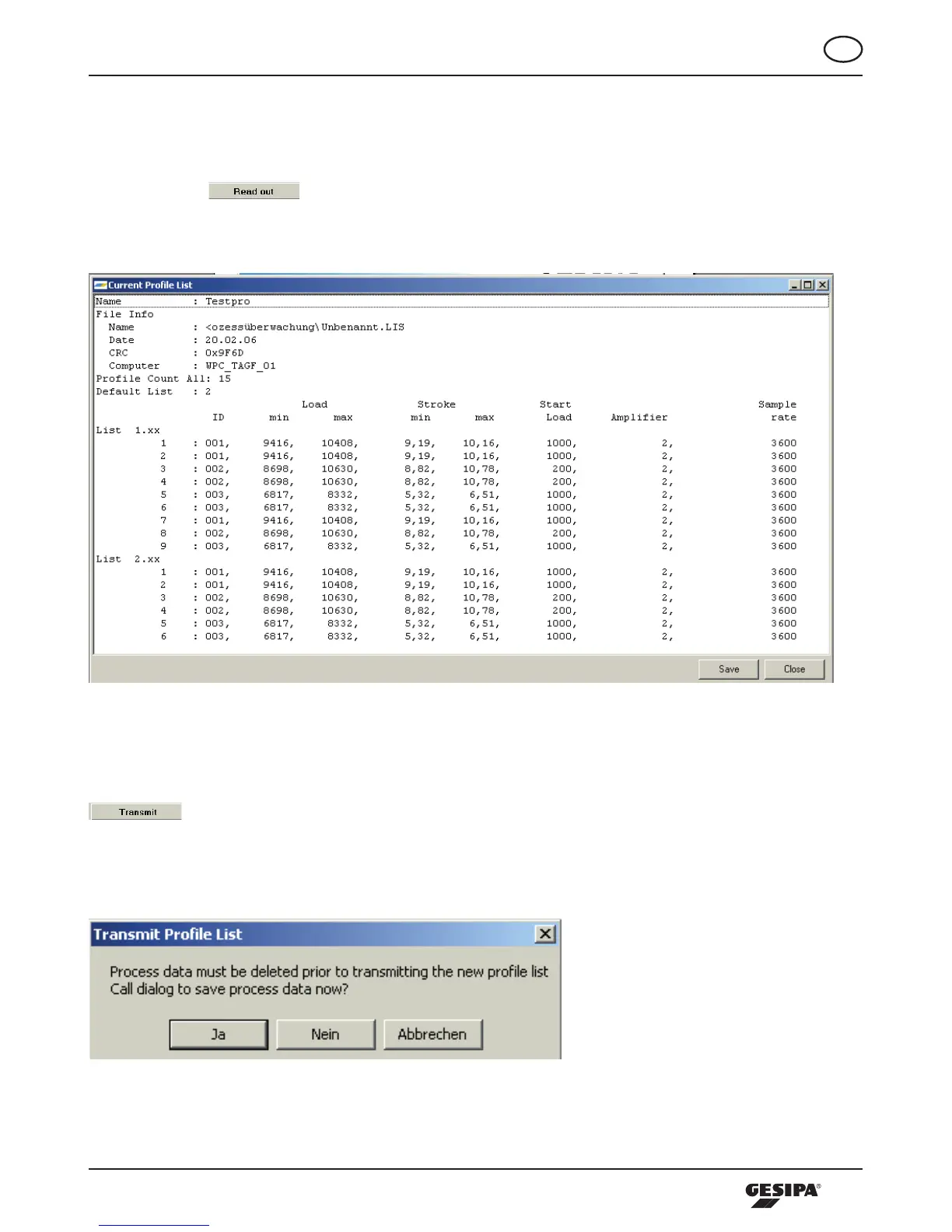
Information about the profile lists file currently stored in the processing tool can be read out from the tool.
Todoso,the -buttonintheSetupfilesisactuated.Theinformationwindowforthe
profile lists file stored in the tool appears, (illustration 17). The information can be saved as txt file on the
connected computer.
Illustration 17: Information window for the profile lists file stored in the tool
Already generated profile lists files can be directly transferred to the processing tool. To do so, press the
-buttonintheConfigurationfield.IfthereareprocessdatastoredinthetooltheSendprofile
list dialogue appears first (illustration 18). Since the process data saved in the file are connected with the
profile lists file stored in the tool those have to be deleted in the tool first.
Illustration 18: Dialogue send profile list



 To Next Page