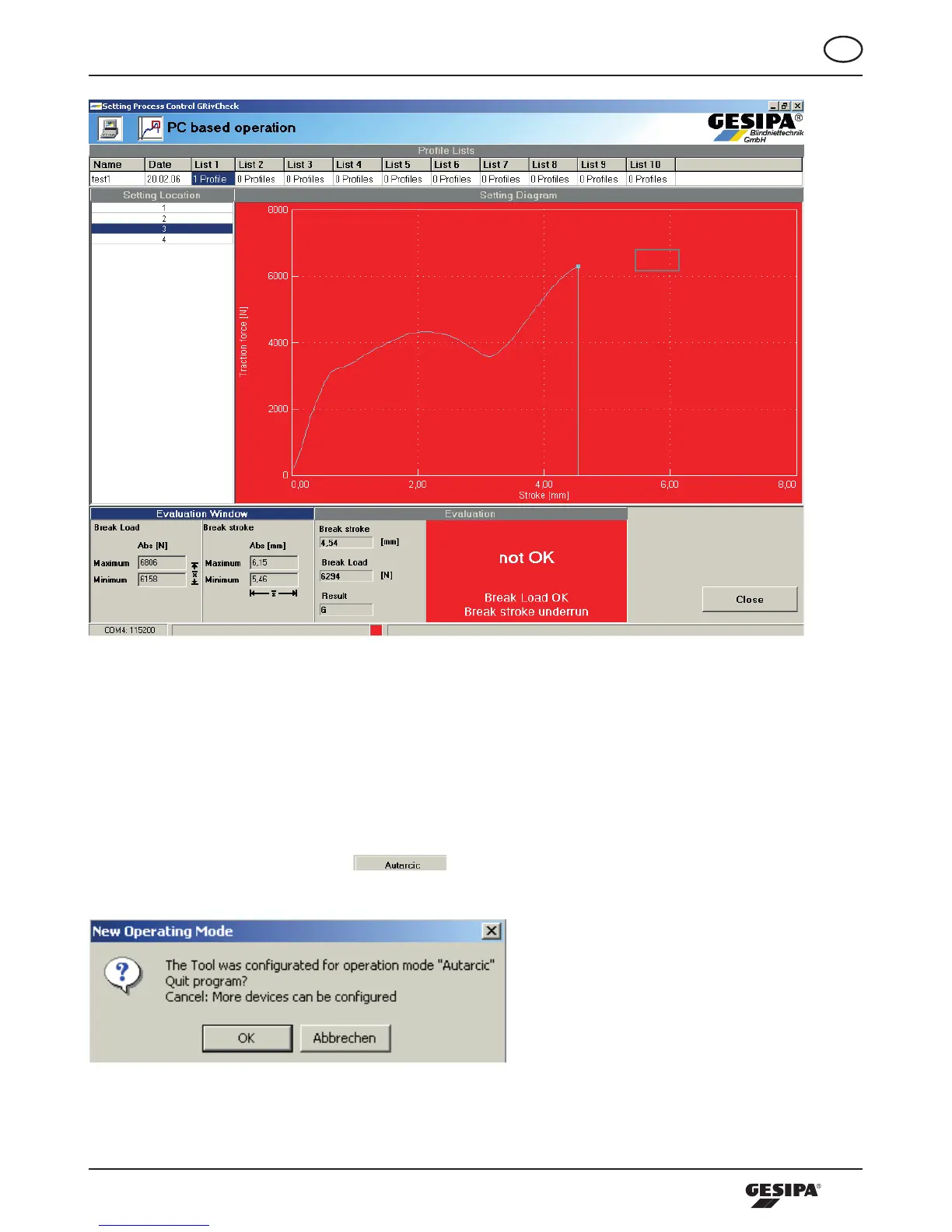
Illustration 28: Representation of the setting process data of an n/OK connection
Furthermore,theprocessevaluationsarerepresentedasinoperatingmodePCbymeansoftheLEDon
the tool.
10.3.3 Autarcic mode
Inthe“Autarcic”operatingmodethetoolcanbeoperatedwithoutaPCoracontrolunit.Thisoperating
modeisactivatedbypressingthe -button.Thenthedialogueappearsasinillustration
29.
Illustration 29: Dialogue new operating mode



 To Next Page