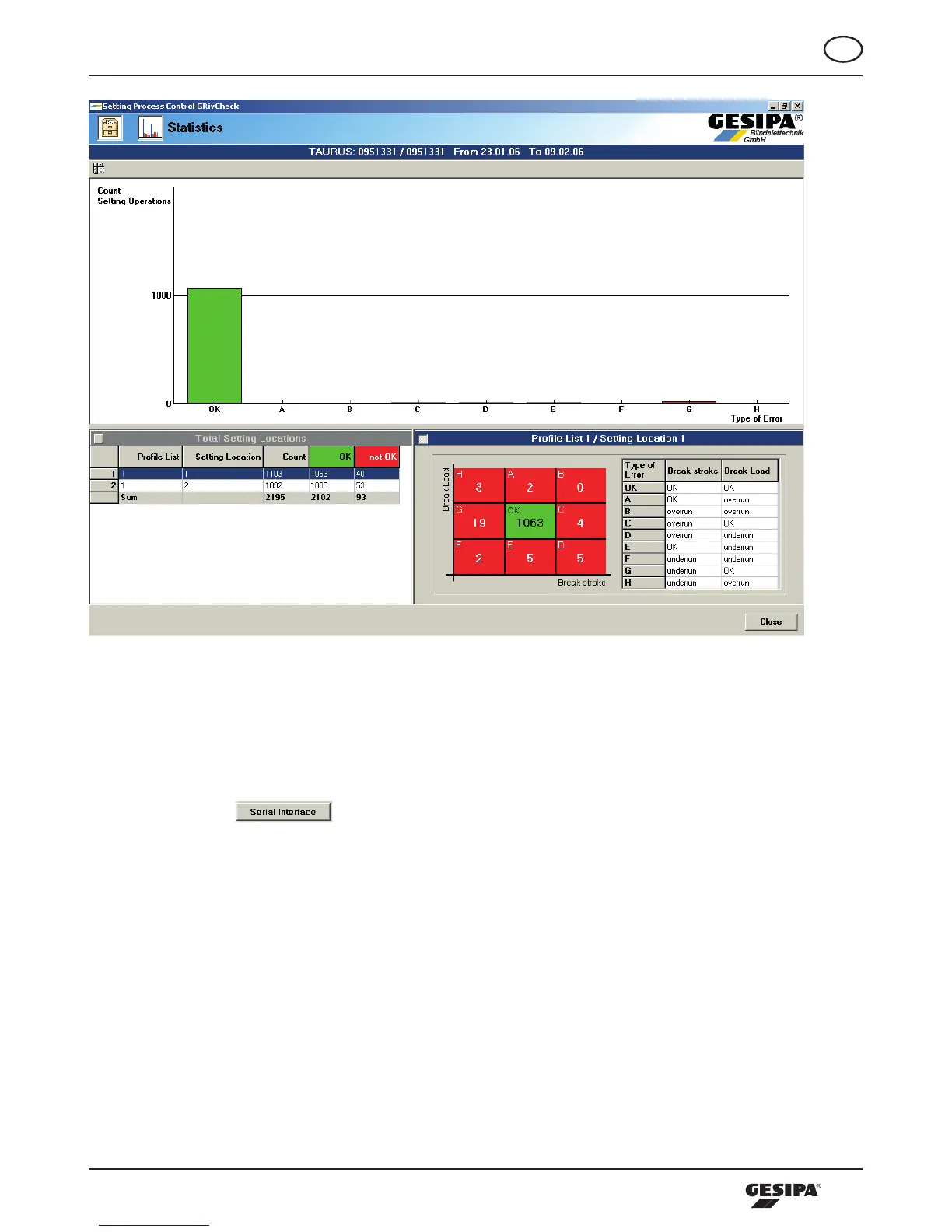
Illustration33:Blindrivetspot-specificstatisticalprocessdataanalysis
10.5 Program Setup
The area setup is in the lower area of the start screen. Here, the interface and export parameters can be
set.Actuatingthe -buttoncallsupthedialogueInterface,wheretheprogramcanbe
set in the respective pull down menu regarding the port used by the tool as well as the baud rate. Further-
more,theprocessingtoolcanbedisconnectedfromthePCorre-connected,andtheconnectioncanbe
activated directly on the PC or by using the Gesipa interface, illustration 34.



 To Next Page