10.3 Operating Modes
The Taurus tool with setting process monitoring can be operated in the operating modes Independent, PC
and External.
10.3.1 External mode
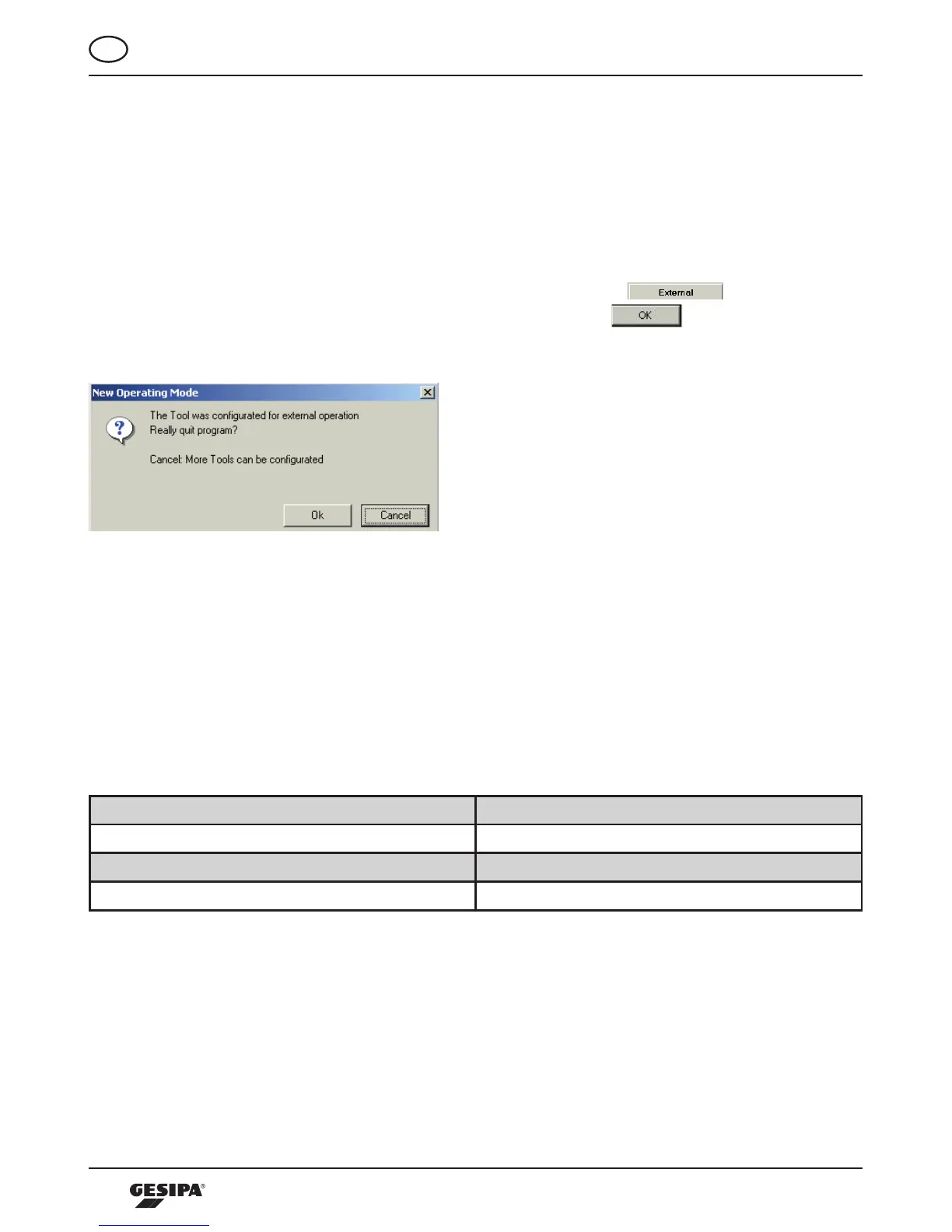
Thisoperatingmodecanbestartedfromthestartscreenbypressingthe -button.Thedialo-
gue“newoperatingmode”appears,illustration23.Byconfirmingwith thetoolisinexternal
operating mode, and the program is closed.
Illustration 23: Dialogue PC operation
Inthisoperatingmodethetooliscontrolledviaanexternalunit(e.g.PLC)andisinaslavemode.This
operating mode requires a specific GESIPA interface that converts the control commands of the process
data module into digital signals. The interface can also be used as control unit for the installation process.
Visualization of the process analysis is carried out on the display of the interface or via the signaling
transmitter connected to the interface. Also, the process evaluations are represented by means of the
LEDonthetool.Theevaluationsarevisualizedasinillustration24bymeansoftheLED.
Riveting process OK Green permanent until next setting process
Riveting process not OK Red permanent until next setting process
OverallevaluationoftheprolelistOK Greenashinguntilnextsettingprocess
OverallevaluationoftheprolelistnotOK Redashinguntilnextsettingprocess
Illustration24:VisualizationoftheprocessevaluationbymeansofLEDontheprocessingtool
10.3.2 PC mode
In operating mode PC, the tool is operated by a PC using a serial interface as connection. This operating
modeisstartedbypressingthe“PC“-button.Thedialogueasshowninillustration25appears.



 To Next Page