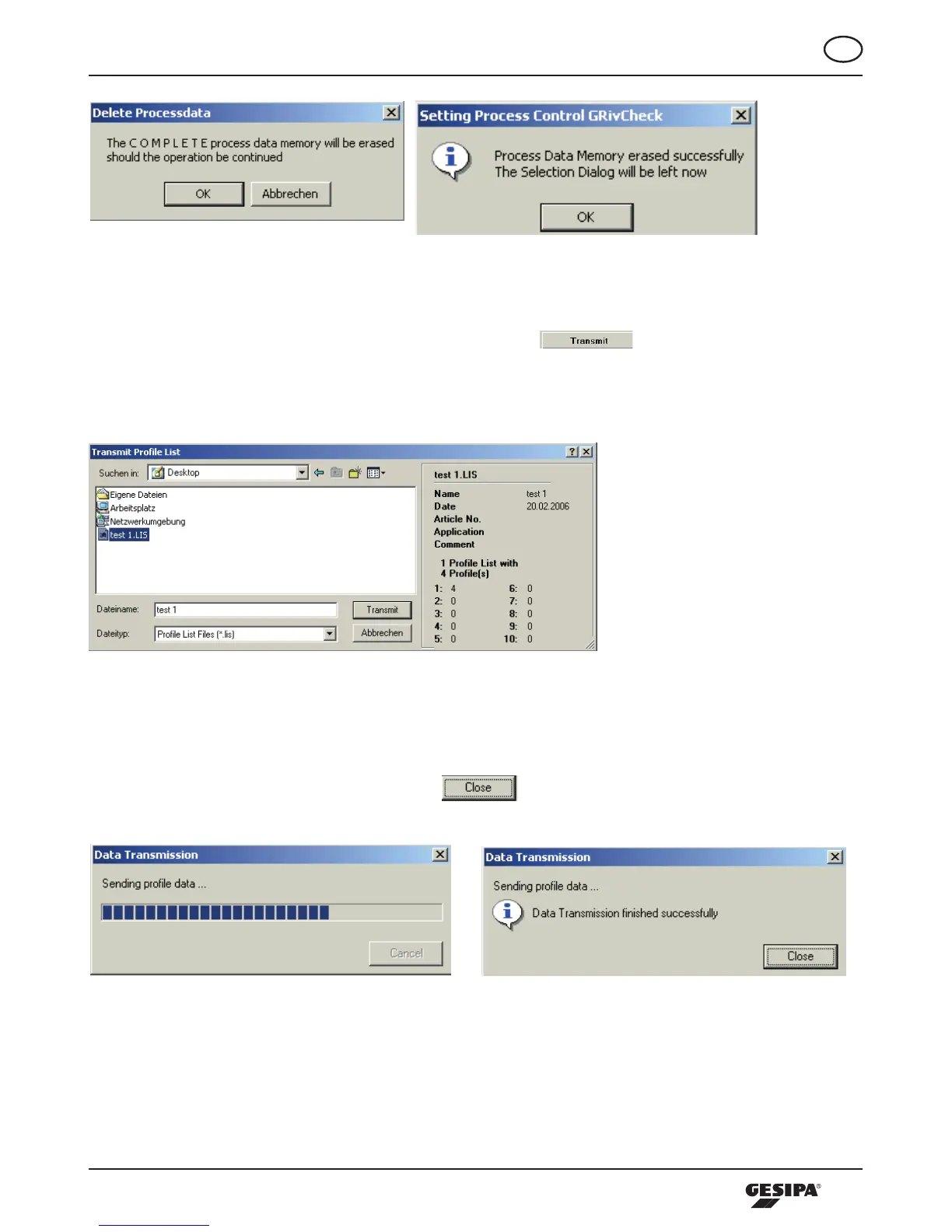
Illustration 20: Dialogues delete process data
If no process data are stored in the tool or if they were deleted according to the description above, the
dialoguetoselecttheprofilelistsfileappears,assoonasthe -buttoninthesetupfieldis
pressed, (illustration 21). Here, the profile lists file to be transferred can be selected from the respective
directory of the connected computers.
Illustration 21: Dialogue open profile list
Byactuatingthe“Open“-buttonthehighlightedprofilelistsfileistransferredtothetool,(illustration22).
Depending on the size of the profile lists file, this process may take several seconds. Successful data
transfermustbeconfirmedbypressingthe -button;thiscompletestheprocess.
Illustration 22: Dialogues data transfer



 To Next Page