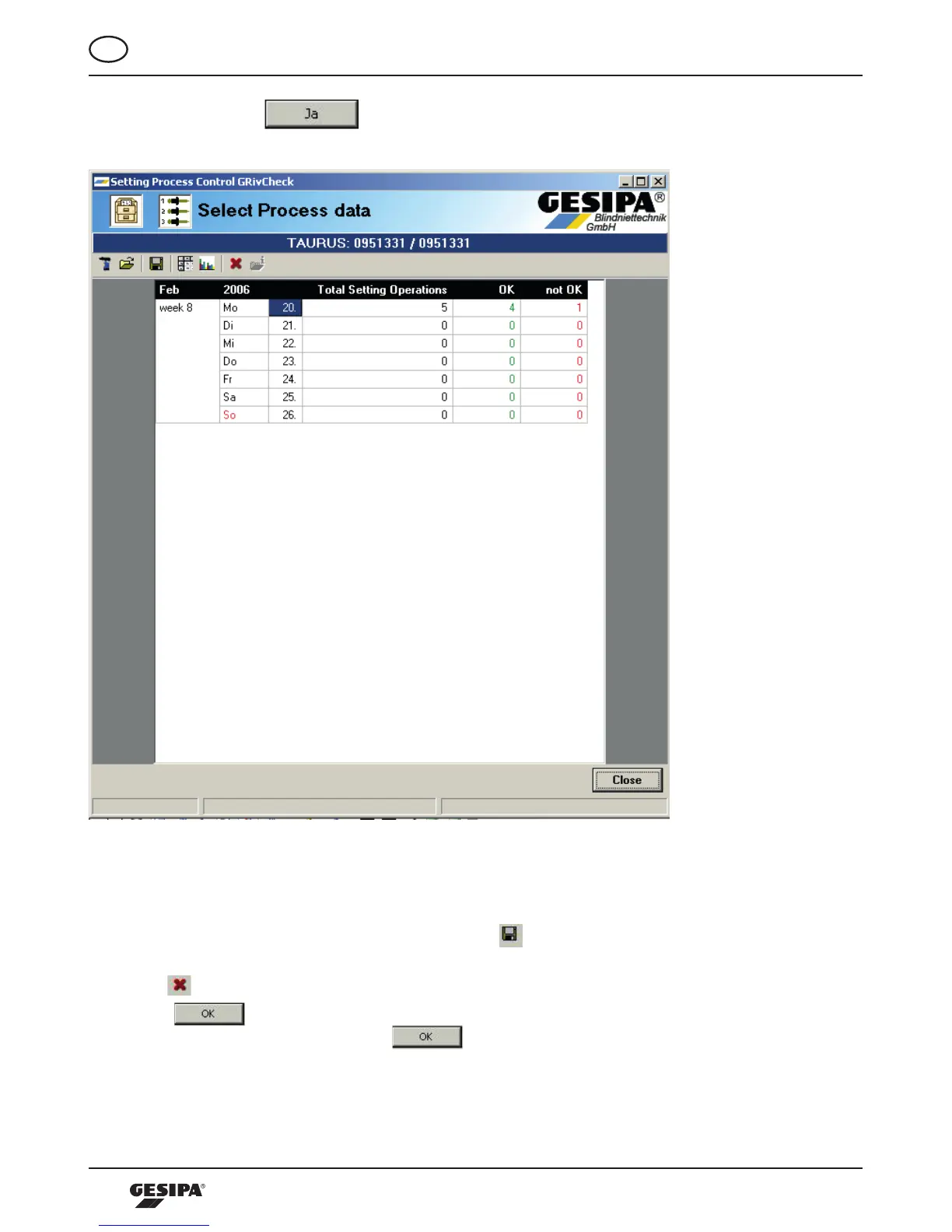
By confirming with , the process data stored in the tool are read out and the dialo-
gue Process data selection appears, illustration 19.
Illustration 19: Dialogue save and delete process data
If the process data stored in the tool are to be archived externally, the process data marked in the ca-
lendarcanbesavedonthecomputerbyclickingthe -button.Adetaileddescriptionofsaving
and archiving of process data is provided in chapter 4.4.
Whenthe-buttonisactuated,thedialoguetodeleteprocessdataappears(illustration20).Byconfir-
ming with all the process data are deleted from the tool. After the deleting process is carried
outithastobeconfirmedbypressingthe -buttoninthefollowingdialogue,thenthestartscreen
appears again.



 To Next Page