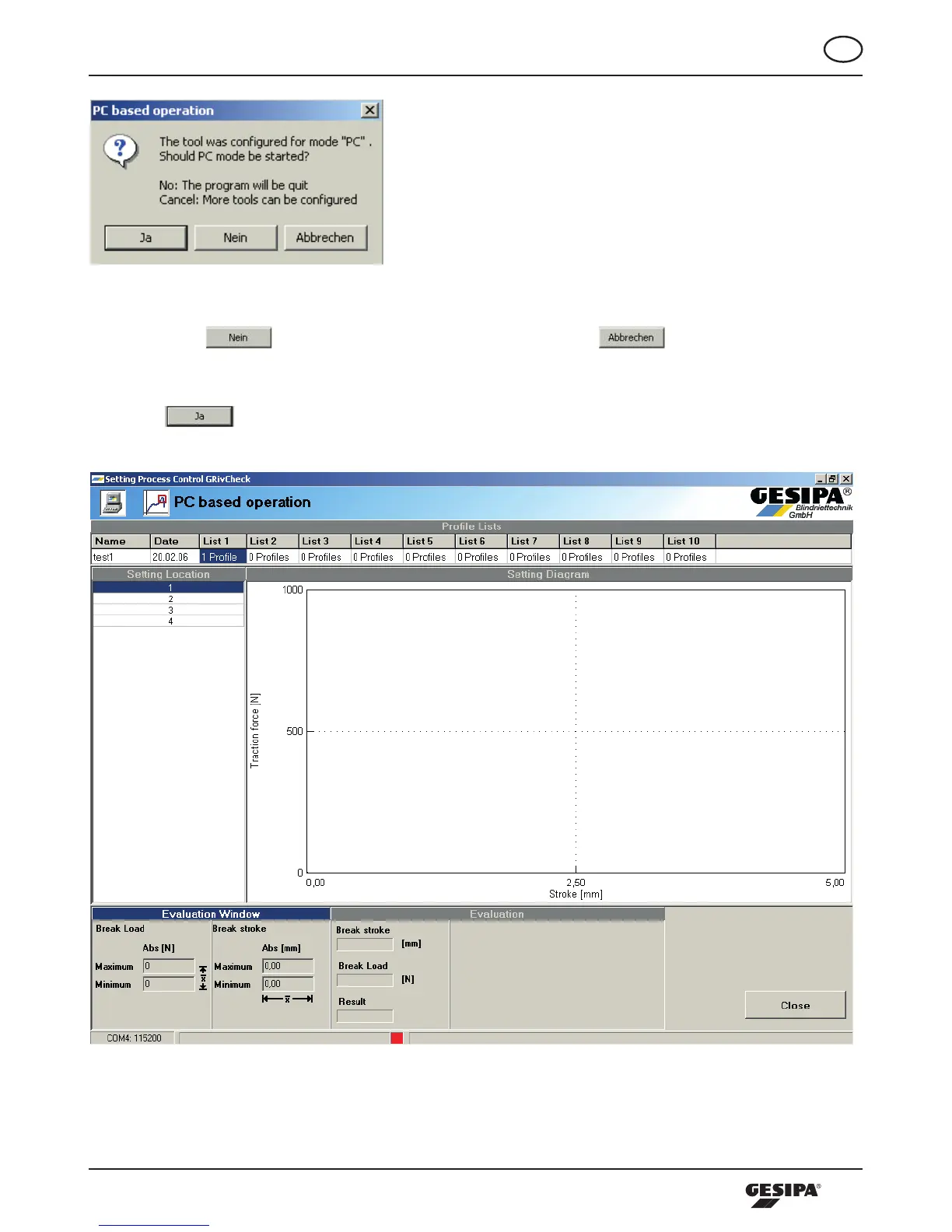
Illustration 25: Dialogue PC operation
Pressingthe -buttonwillendthesoftware.Ifthe -buttonispressed,
the software will generate a new connection with the processing tool, and other processing tools can be
configured.
Pressing will start PC operation. The PC receives the profile data currently stored on the tool
and then the PC operating screen appears as in illustration 26.
Illustration 26: PC operation screen



 To Next Page