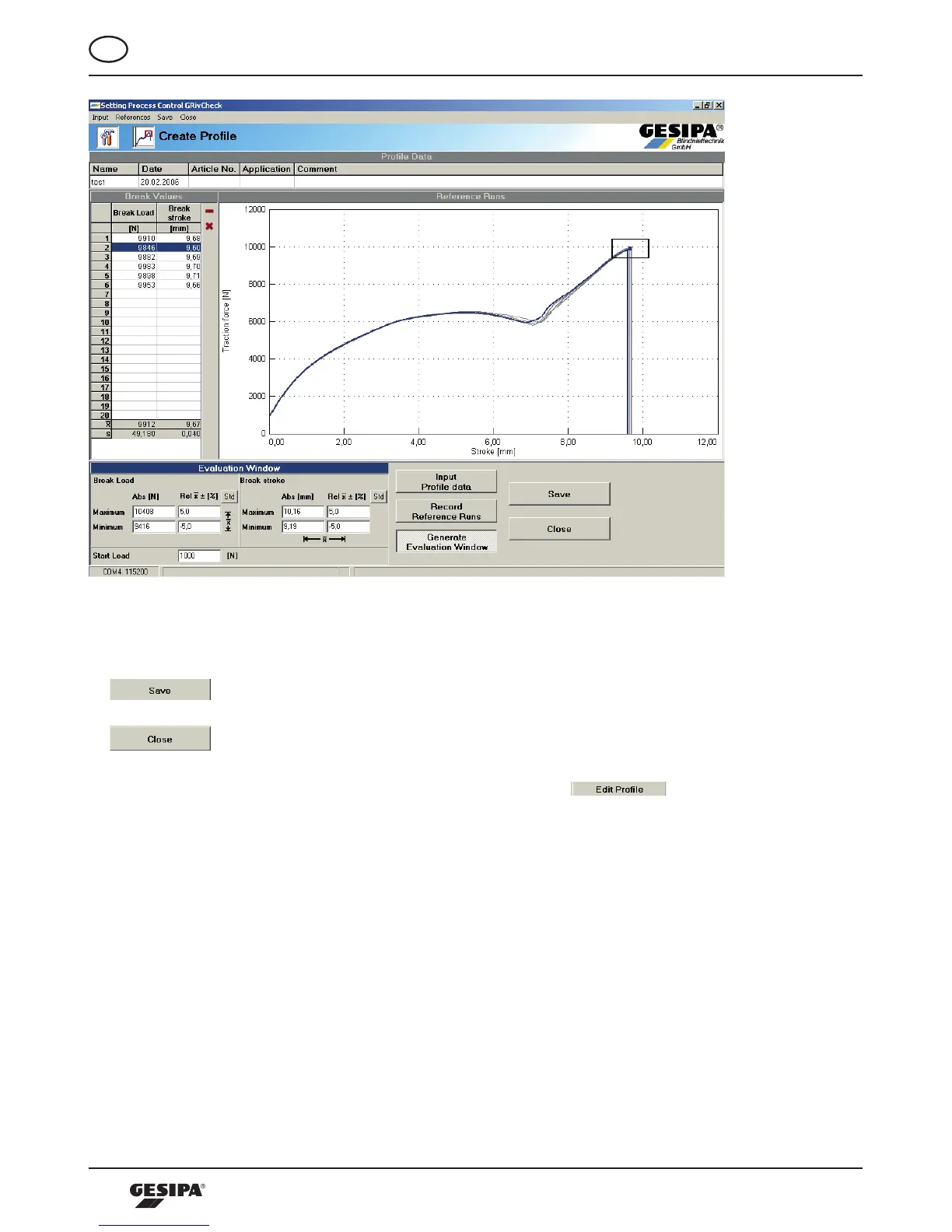
Illustration 10: Generation of the Evaluating Window
Once the creation of a profile is completed; it can be saved into the PC. To do so, press the
-buttonandintheProfiledialogue,determineaproperfilinglocationonthe
PC. The file name with the ending .pfl can be freely selected by the user. Actuating the
-buttonwillcompletetheprocessofcreatingaprofileandthestartscreen
will appear again.
Profilesalreadycreatedcanbeopenedbypressingthe -buttoninthe
Profiles field of the start screen in the Profile dialogue, and then be edited in regards to all
the criteria described above. After editing, the profile must be saved with a different name, in
order to prevent damage of the references for the process data.



 To Next Page