Audio Installs the audio driver that allows you to take full
advantage of the audio subsystem.
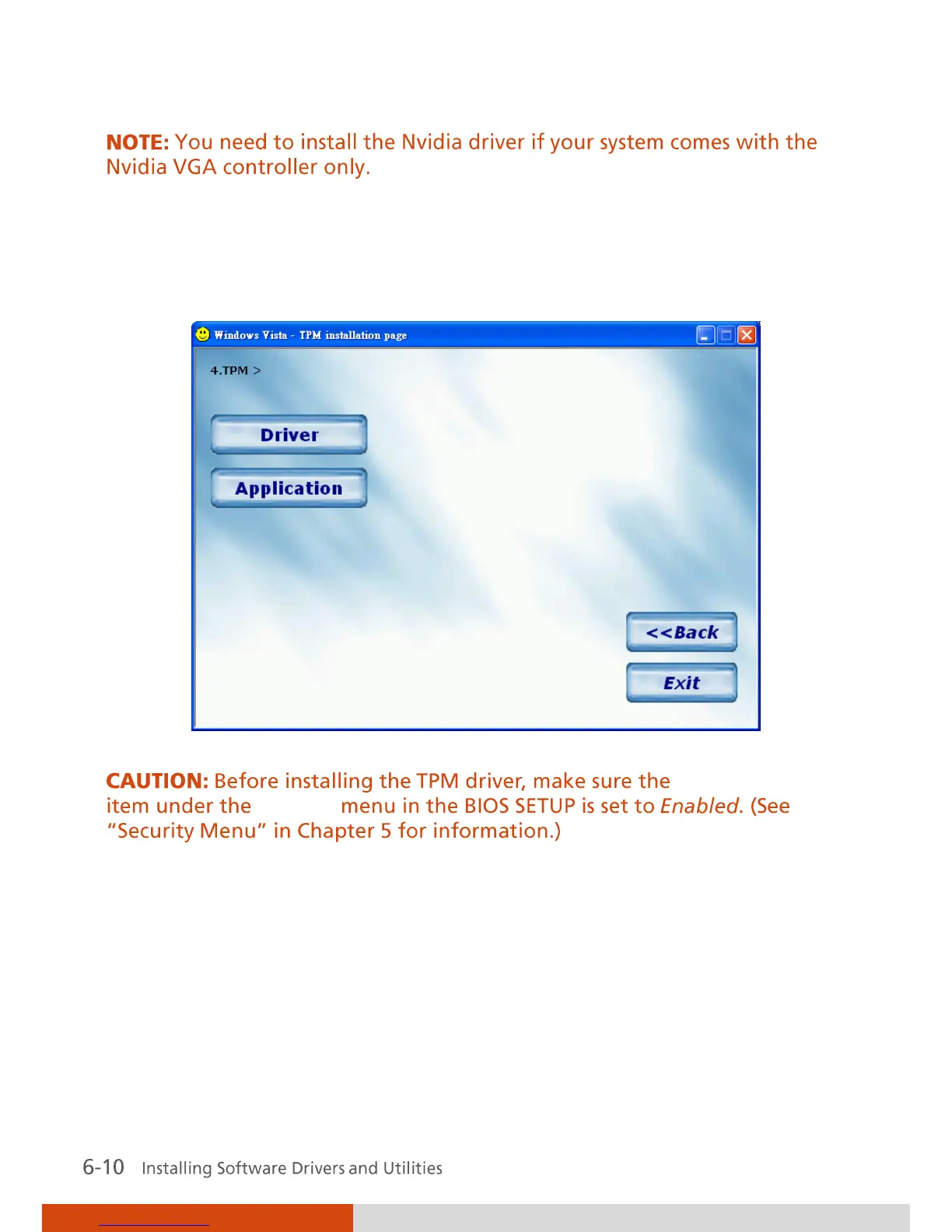
TPM Upon clicking on this, the following screen appears.
TPM Support
Security
Driver
Allows you to install the driver for
using the TPM (Trusted Platform
Module) support for security.
Application Allows you to install the TPM
application.
TouchScreen Allows you to use your finger (or optional
touchscreen pen) as a pointing device on the LCD
screen. (See “Touchscreen Utility” for further
instructions).



 To Next Page