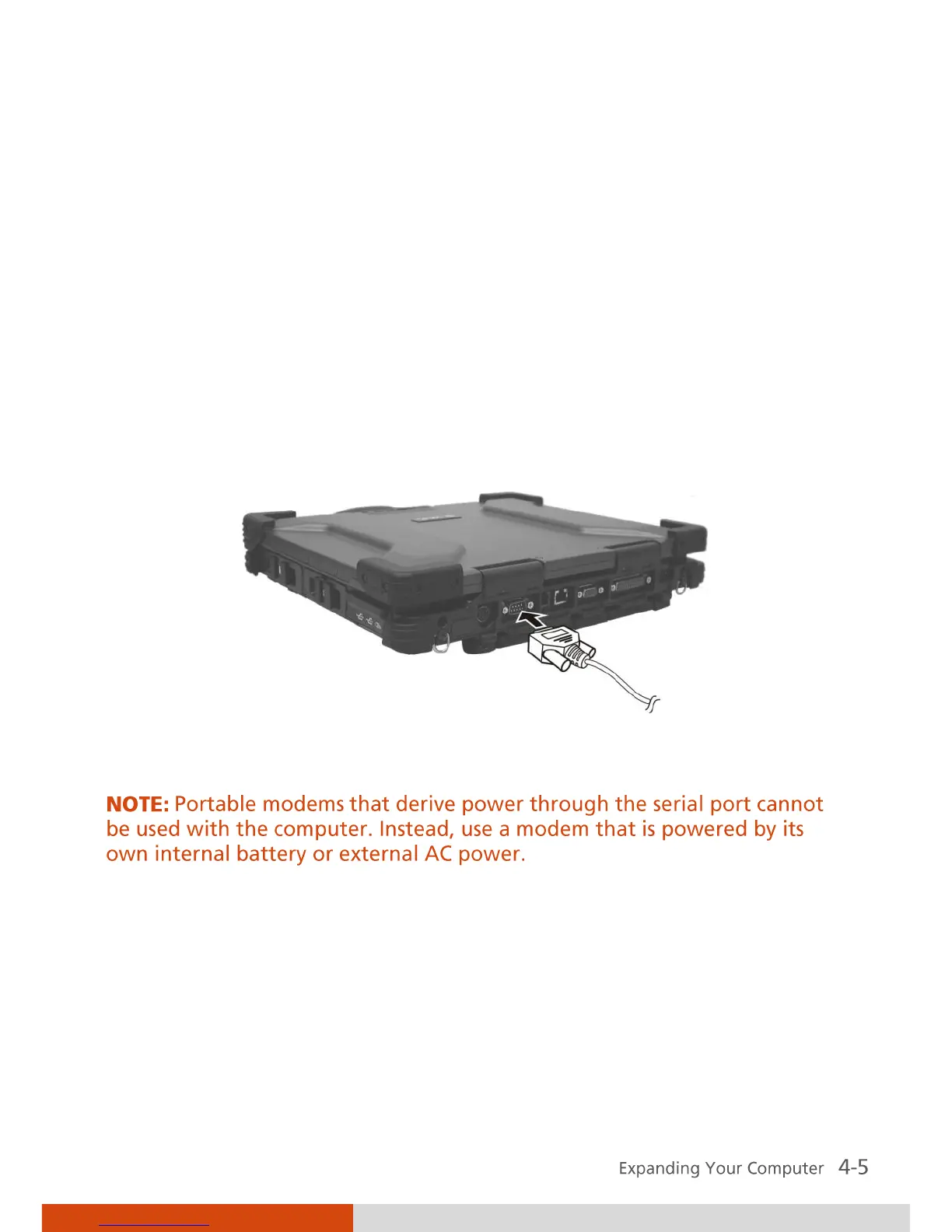
Connecting a Serial Device
Your computer has a serial port for connecting a serial device such as a serial
mouse or modem.
Follow this procedure to connect a serial device:
1. Make sure the Serial Port COM1 item is set properly in the BIOS Setup
program. (See “Advanced Menu” in Chapter 5 for information.)
2. Make sure the computer is not turned on
3. Plug the device cable to the serial port on the rear of the computer.
4. Turn on the computer.



 To Next Page