Using Special Utilities
Touchscreen Utility
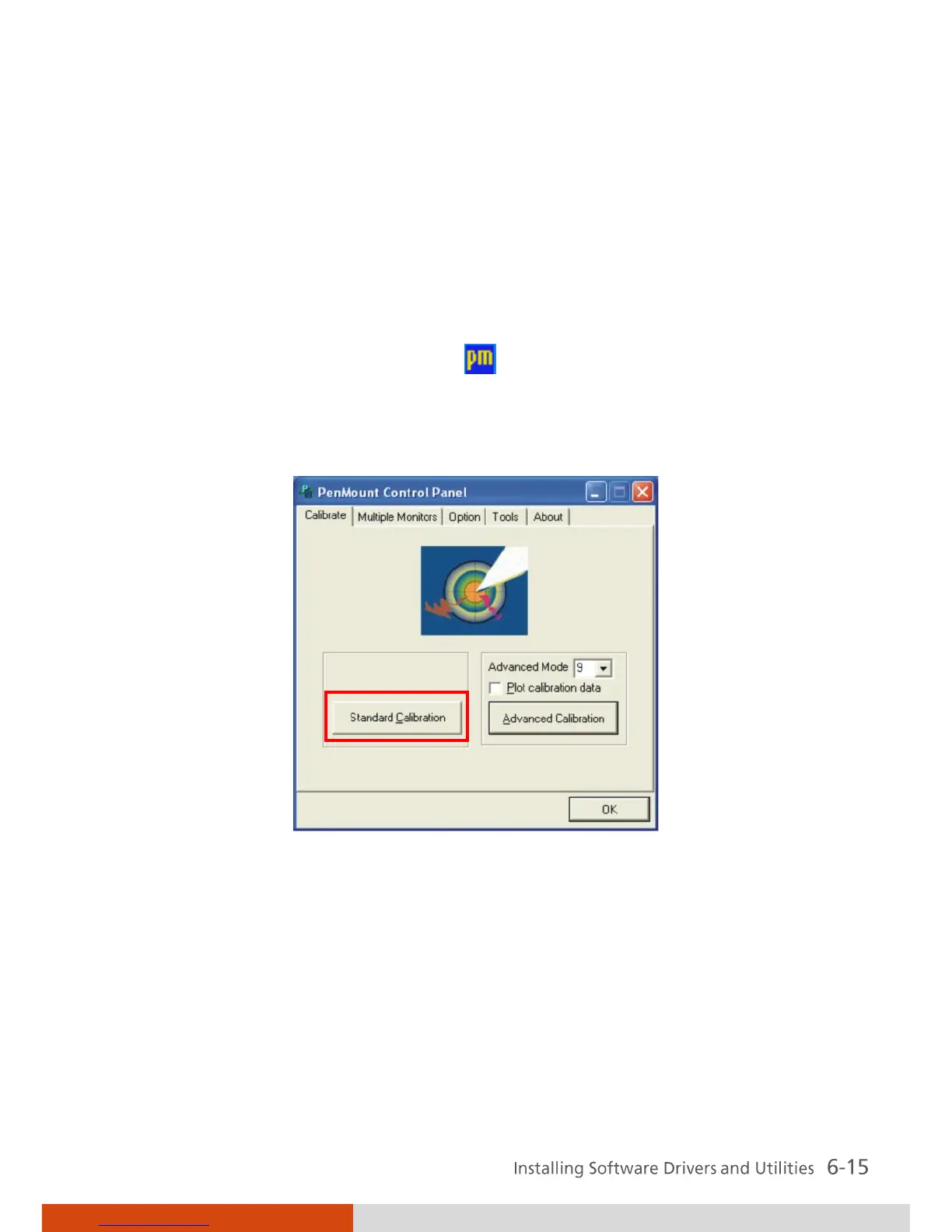
After installing the touchscreen driver/utility, you can use PenMount
Monitor to configure your touchsreen.
1. Cick the PenMount Monitor icon located on the system tray bring up
the PenMount Control Panel.
2. Click Standard Calibration.
3. Click on the four sides (points) and the plus-sign “+” on the screen to
calibrate your touchscreen for use on the computer.



 To Next Page