Using the Communication Features
Using the LAN
The internal 10/100/1000Base-T LAN (Local Area Network) module allows
you to connect your computer to a network. It supports data transfer rate up
to 1000 Mbps.
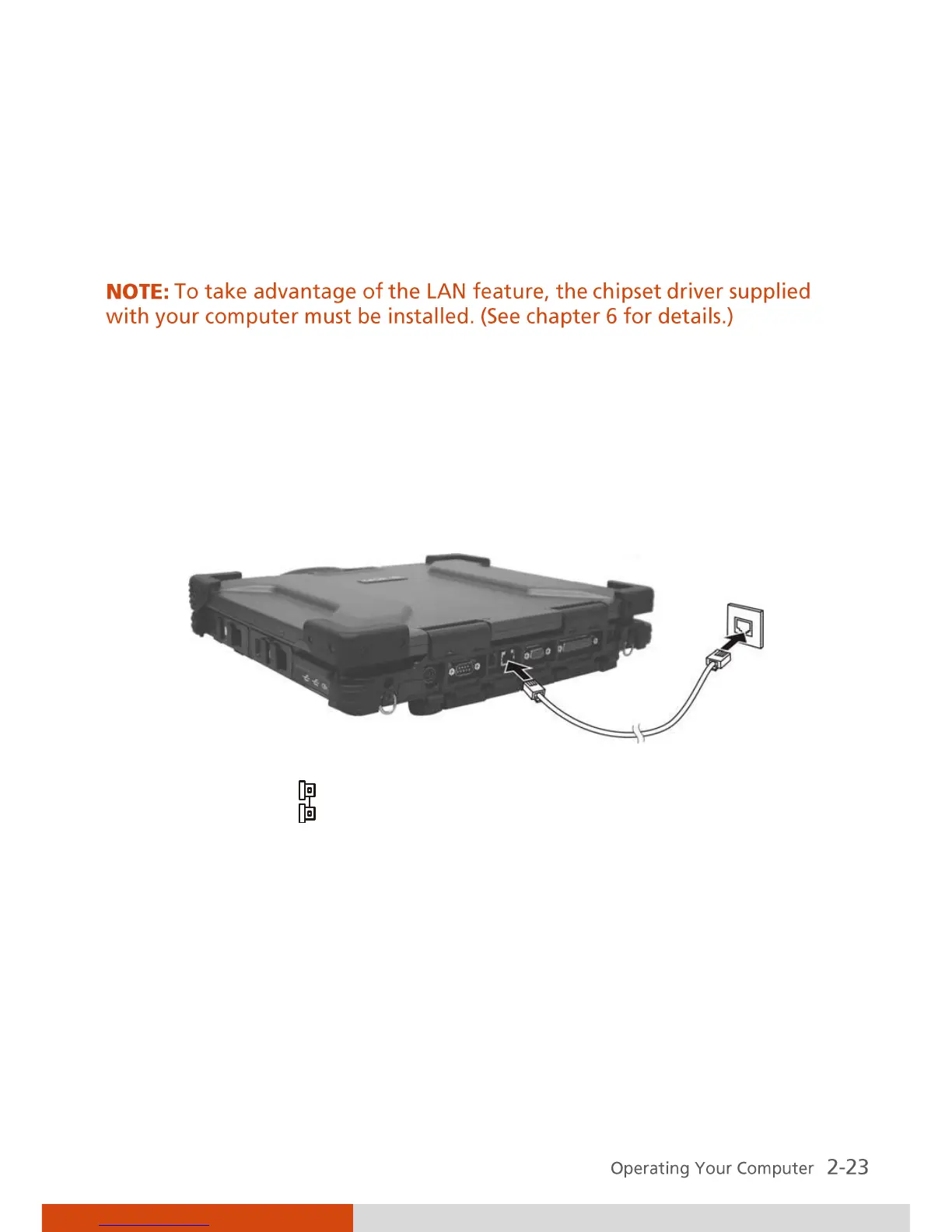
To connect the network cable to the LAN module, connect one end of the
LAN cable to the RJ-45 connector on the computer and the other end to the
network hub.
The LAN indicator ( ) glows to indicate that the computer is ready for LAN
connection.



 To Next Page