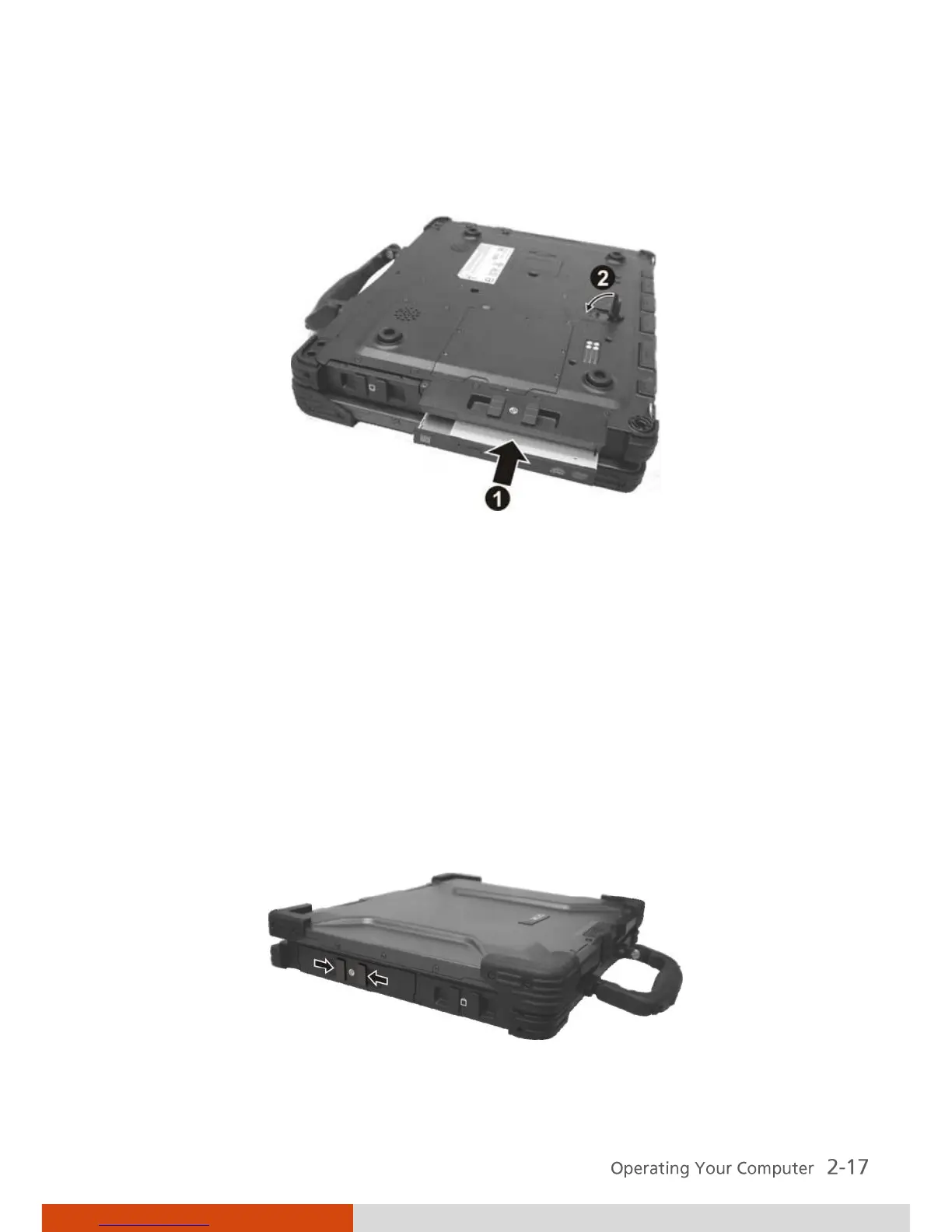
7. Insert the optical drive all the way into the drive bay and close the
release knob.
8. Close the optical drive bay cover.
Inserting and Removing a Disc
Follow this procedure to insert or remove a disc.
1. Turn on the computer.
2. Locate the optical drive bay on the left side of the computer.
3. Open the optical drive bay cover by pressing on both sides of the release
latch using your thumb and index fingers.



 To Next Page