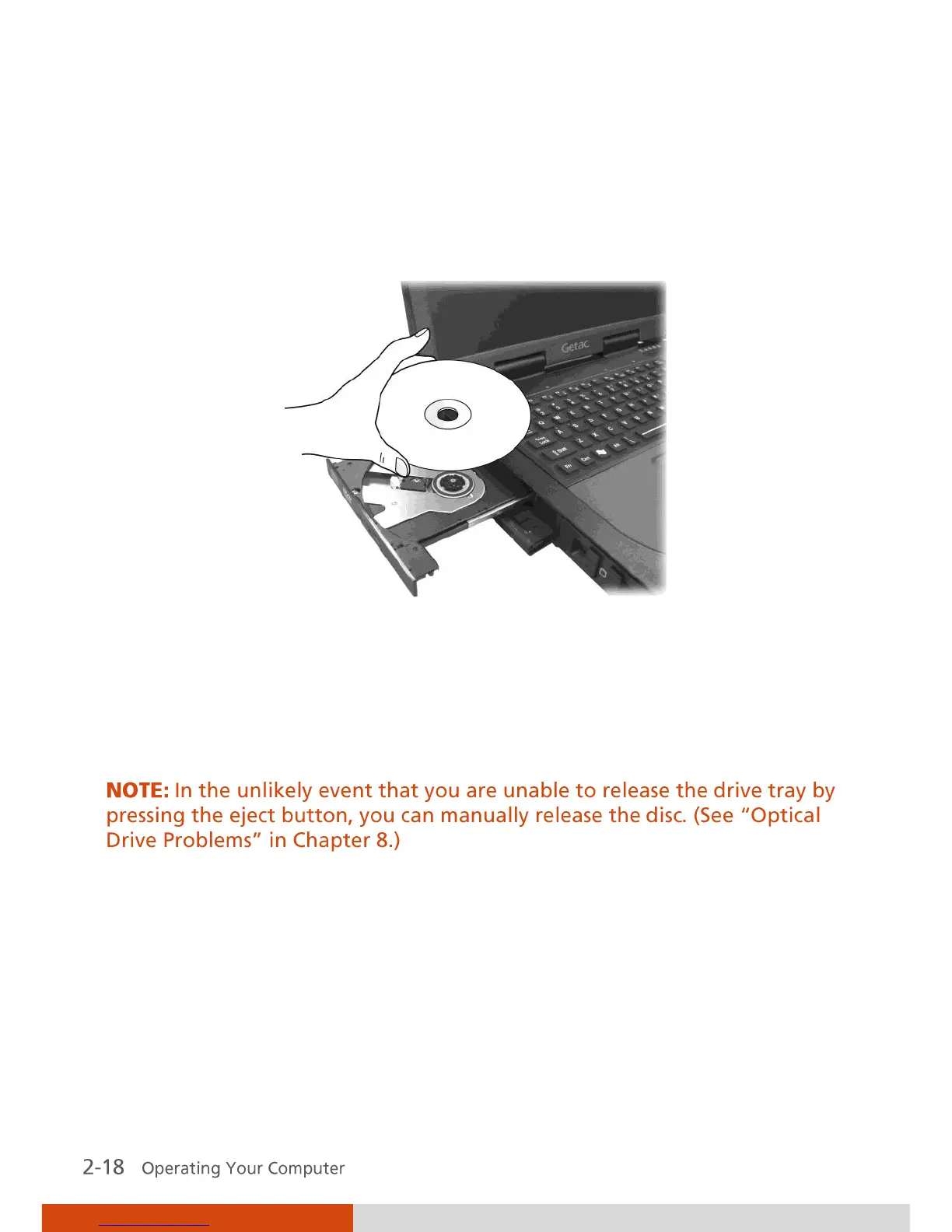
4. Press the eject button and the drive tray will slide out partially. Gently
pull on it until it is fully extended.
5. To insert a disc, place down the disc in the tray with its label facing up.
Slightly press the center of the disc until it clicks into place.
To remove a disc, hold the disc by its outer edge and lift it up from the
tray.
6. Gently push the tray back into the drive.
7. Close the optical drive bay cover.



 To Next Page