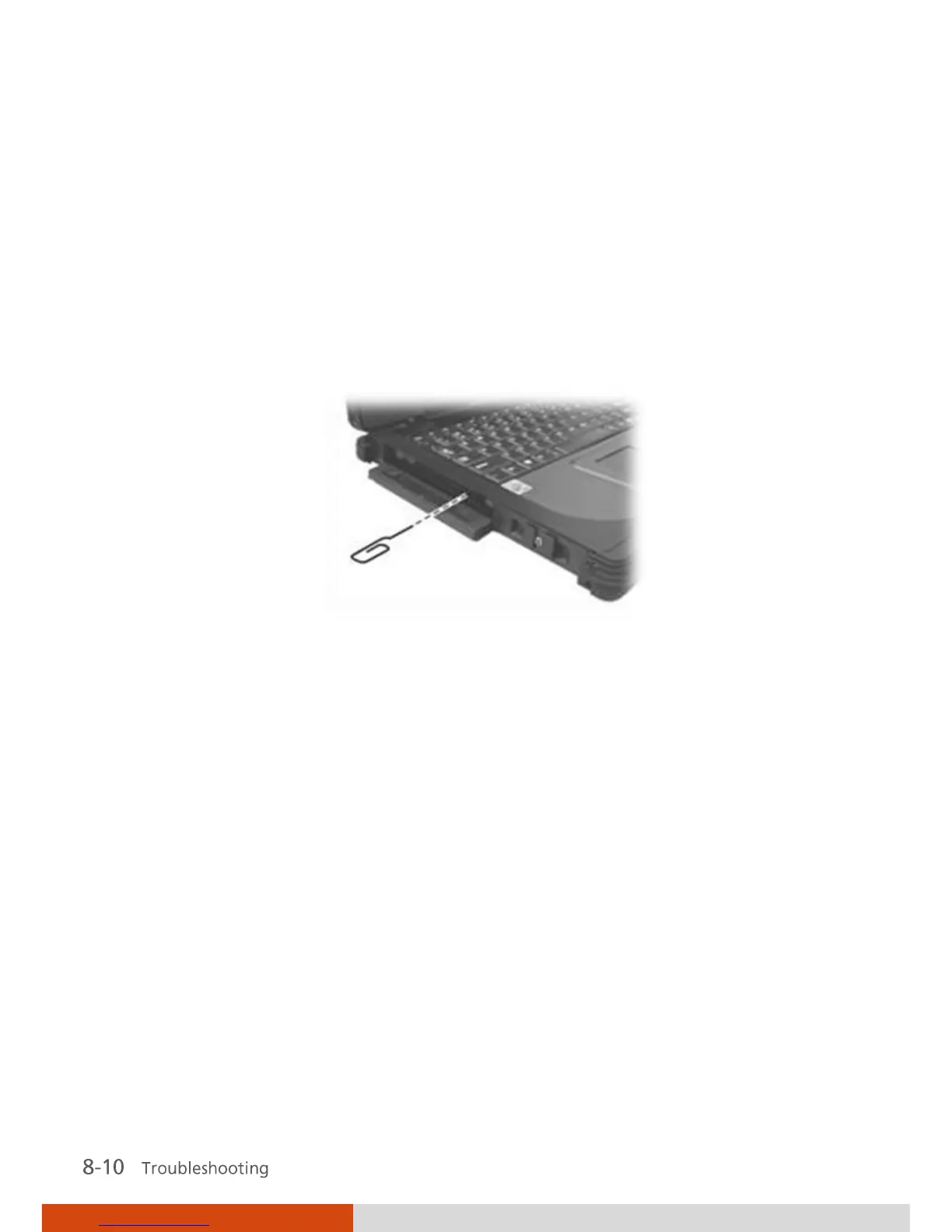
You cannot eject a disc.
The disc is not properly seated in the drive. Manually release the disc
following the method described next:
1. Turn off the system.
2. Insert a small rod, such as a straightened paperclip, into the drive’s
manual eject hole and push firmly to release the tray.
3. Pull the tray out until fully extended, and then remove the disc.
PC Card Problems
The PC card does not work.
Make sure that the PC card is correctly seated.
If the card requires an IRQ (Interrupt ReQuest), make sure that there is
one available. Or you can release another device IRQ in the BIOS Setup
program.
The PC card stops communicating properly.
The application may have been reset when the computer is turned off or
in Standby/Sleep mode. Exit and restart the application.



 To Next Page