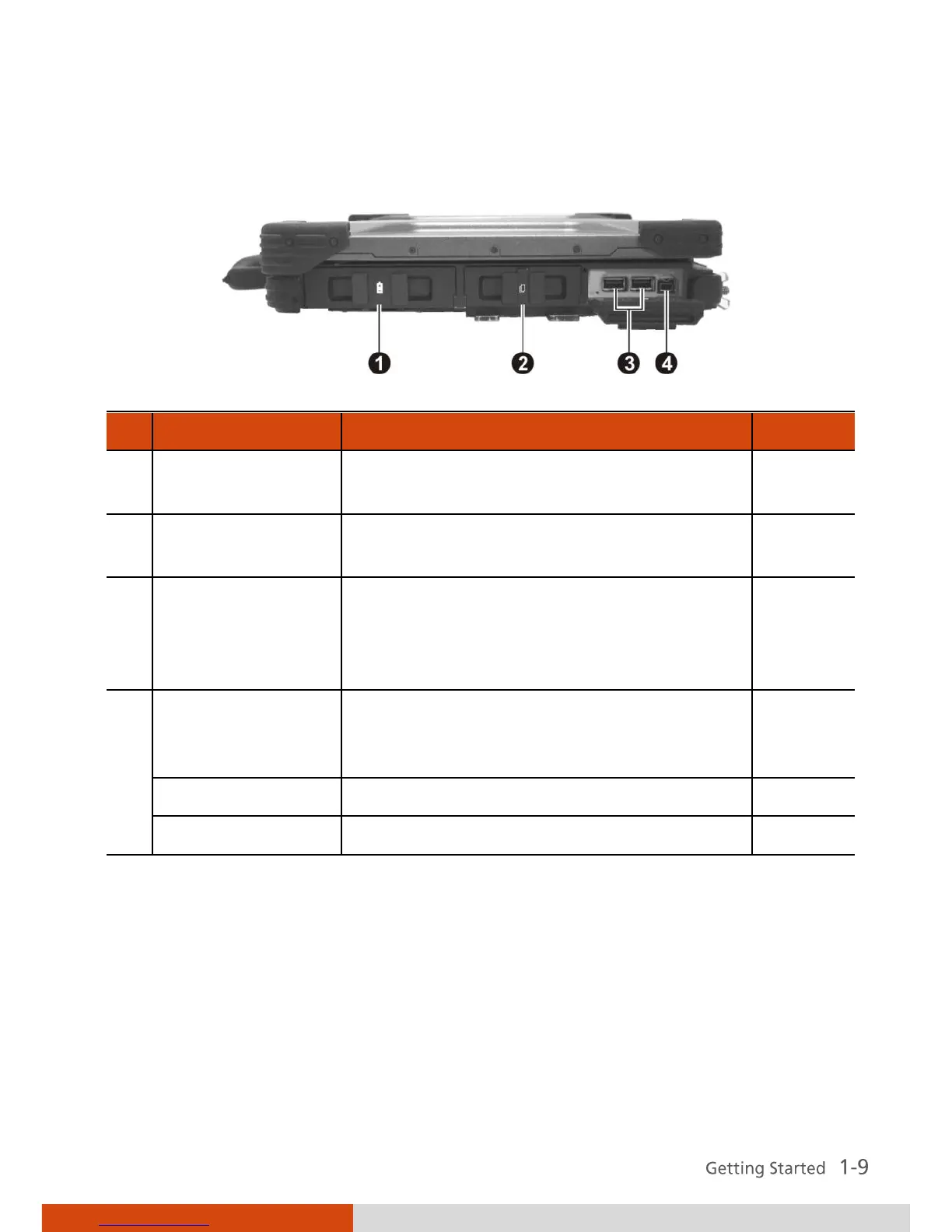
Supplies power to your computer when
external power is not connected.
Accepts a PC card for additional
functions.
Each of the two ports connects a USB
device, such as a USB floppy drive, USB
flash disk, printer, digital camera,
joystick, and more.
Connects a 1394B device such as a mass
storage device, digital video (DV)
camcorder, or a digital audio device.
Connects a PS/2 keyboard or mouse.



 To Next Page