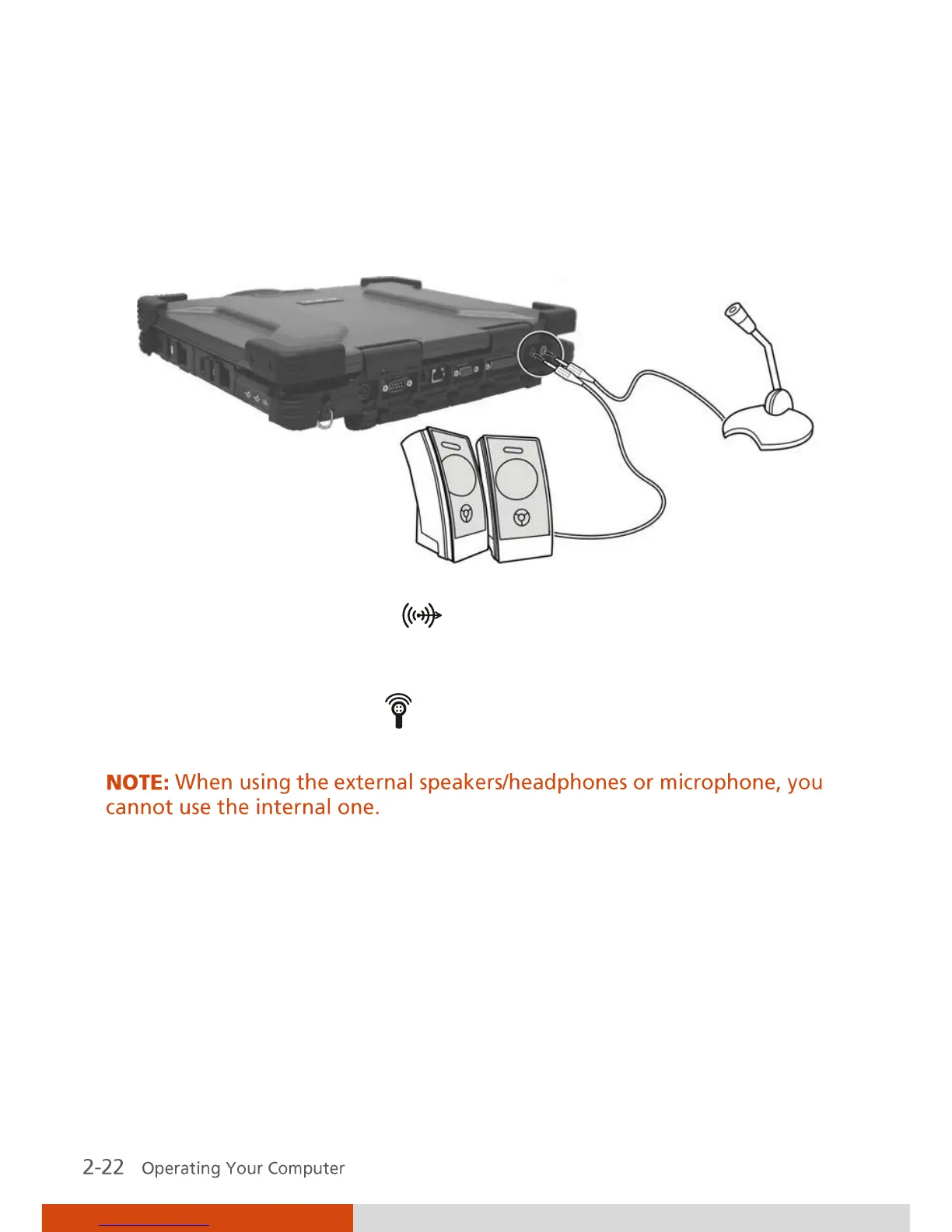
Connecting Audio Devices
For higher audio quality, you can send or receive sound through external
audio devices.
Audio Output Connector (
) can be connected to the line-in
connector of powered speakers with built-in amplifiers, headphones, or
earphone set.
Microphone Connector (
) can be connected to an external
microphone for recording voice or sound.



 To Next Page