Using PC Cards
Your computer has a PC card slot that supports the CardBus specifications.
Your computer’s PC card slot can accommodate a type II card. Typical type II
cards are flash memory, SRAM, modem, LAN, and SCSI cards.
Inserting and Removing a PC Card
To insert a PC card:
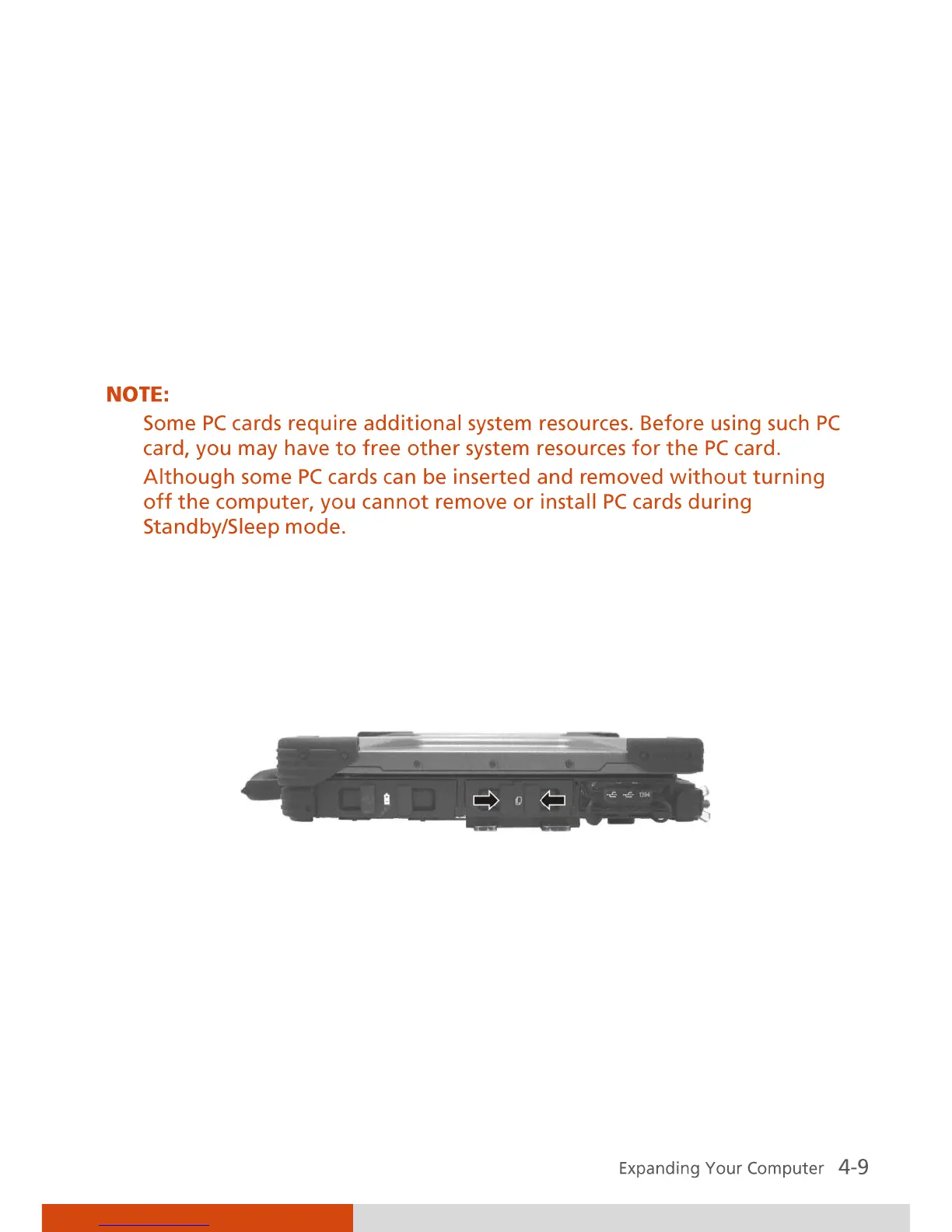
1. Locate the PC card slot on the right side of the computer.
2. Open the PC card slot cover by pressing on both sides of the release latch
using your thumb and index fingers.



 To Next Page