Connecting an IR Device
Serial Port COM2 (FIR)
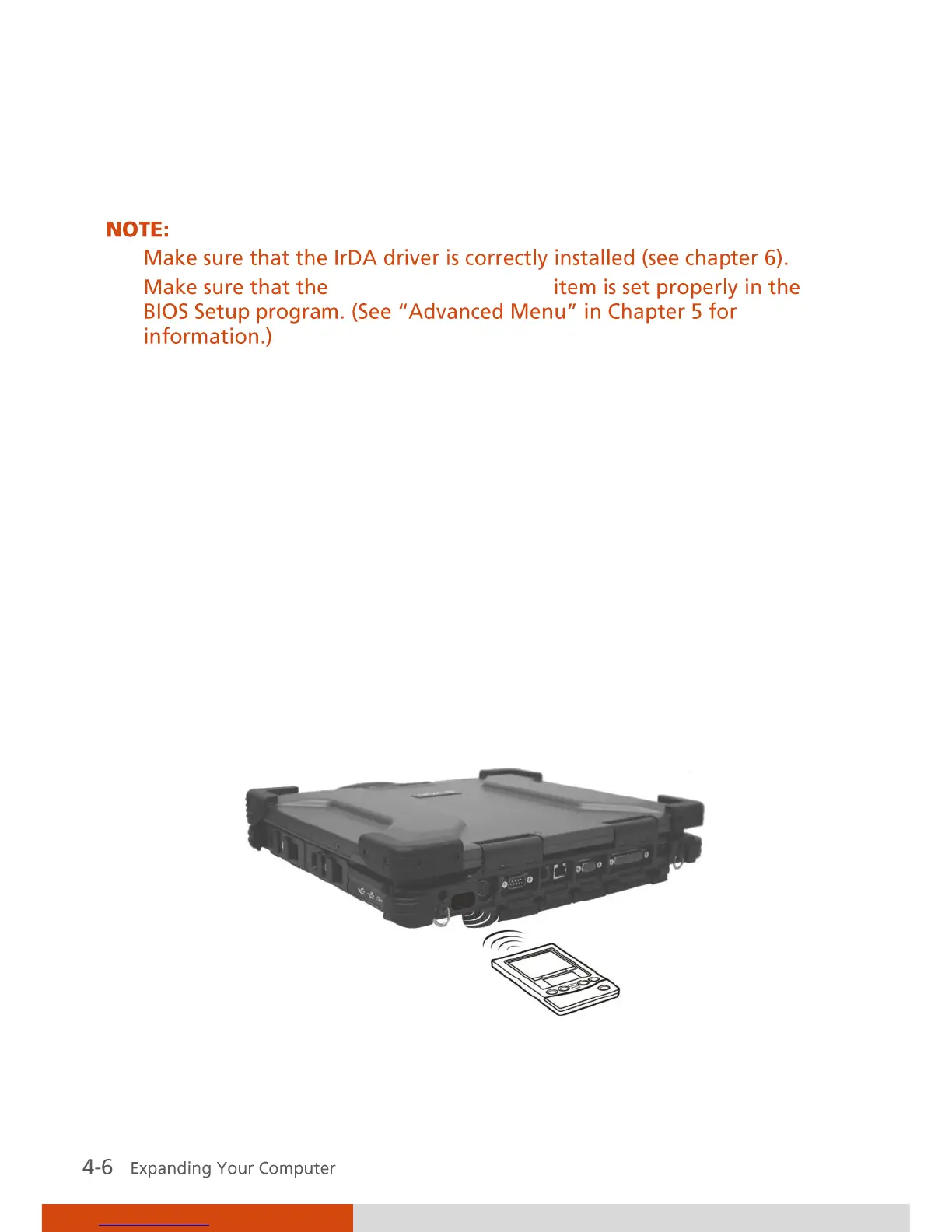
Your computer has an IR (infrared) port for connecting an infrared-
equipped device wirelessly such as another computer, printer, or PDA
(Personal Digital Assistant).
When using the IR port of your computer to receive data:
Place the transmitting device where its IR port faces the IR port of your
computer within the effective range within 20-degrees vertical angle
and within 20-degrees horizontal angle at no greater than 0.8~1.0
meter distance.
When using the IR port of your computer to transmit data:
Place the receiving device where the IR port of your computer faces its IR
port within the effective range within 15-degrees vertical angle and
within 15-degrees horizontal angle at no greater than 0.8~1.0 meter
distance.
To take advantage of the IR communications, you need third party software.



 To Next Page