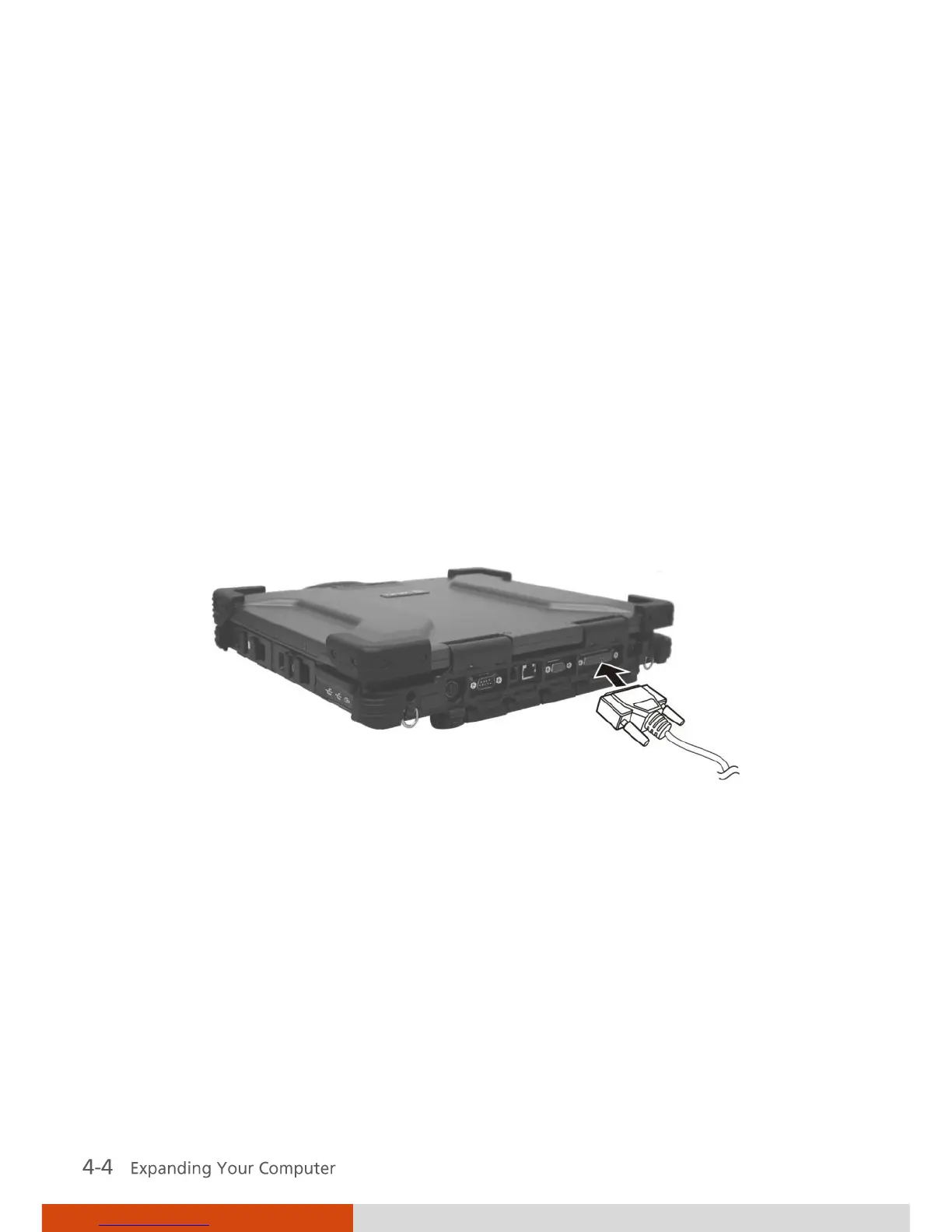
Connecting a Parallel Device
Your computer has a
parallel port for connecting a parallel device such as
printer. The port supports ECP (Extended Capabilities Port) and EPP
(Enhanced Parallel Port) modes that turn the standard parallel port into a
high-speed bi-directional peripheral port.
Follow this procedure to connect a parallel device:
1. Make sure that the Parallel Port item is set properly in the BIOS Setup
program. (See “Advanced Menu” in Chapter 5 for information.)
2. Make sure the computer is not turned on.
3. Plug the parallel device’s cable to the parallel port on the rear of the
computer.
4. If the parallel device has independent power, plug its power cord into an
electrical outlet.
5. If the parallel device has its own power switch, turn on the device before
turning on the computer.



 To Next Page