OSD for Hot Key Operations
With the OSD driver installed, it is activated every time Windows starts up.
A graphic display will appear on the screen to indicate the current status
when you perform a hot key operation (as listed next). The OSD disappears
after a few seconds.
Icon
Hot Key/Button Operation
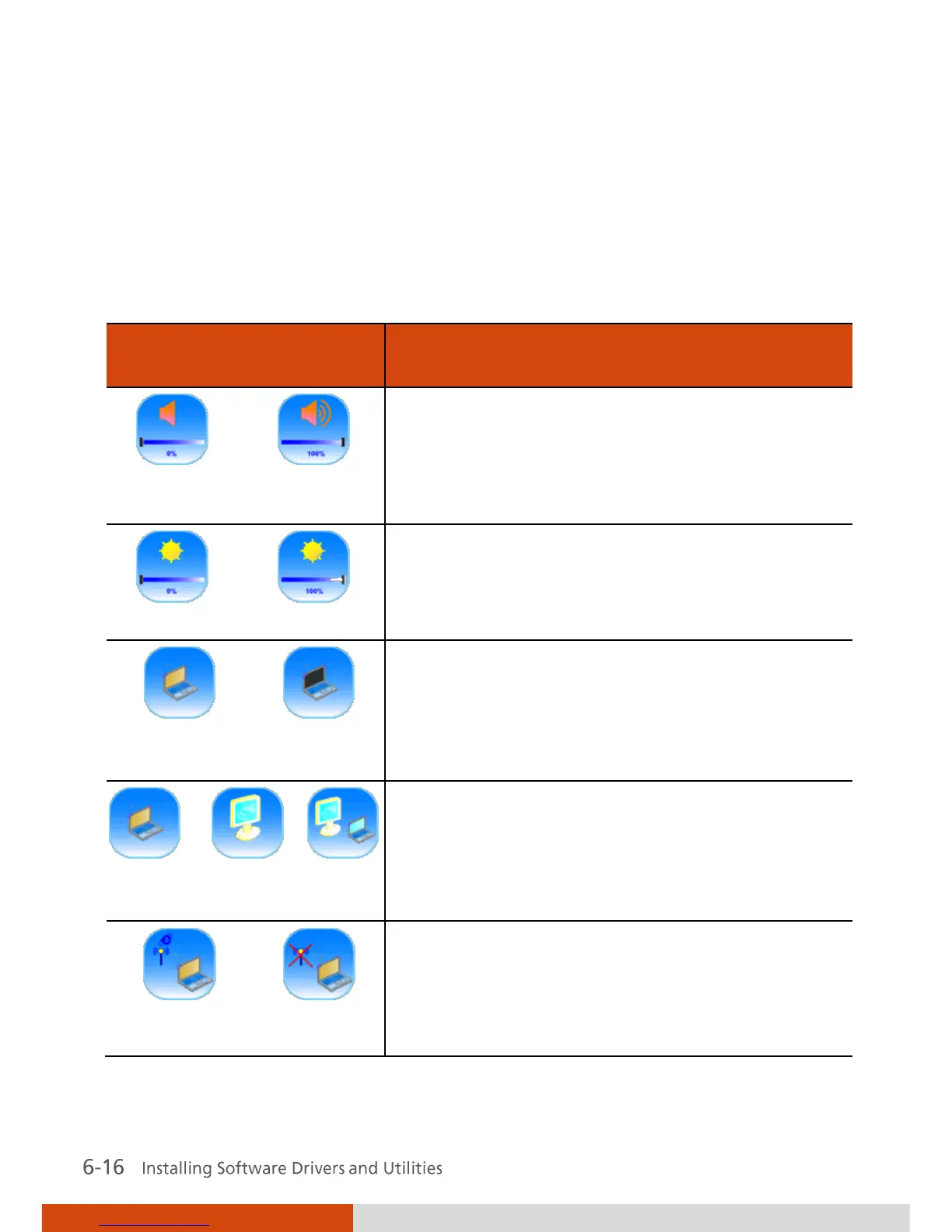
Icon appears on the screen whenever you
adjust Windows or any of its application
program’s volume control (e.g., Windows
Media Player, etc.) to indicate the volume
level. The OSD disappears after a few seconds.
Icon appears on the screen to indicate the
brightness level. The OSD disappears after a
few seconds.
Icon appears on the screen to indicate that
LCD backlight (Fn+F7) or display (Fn+F8) is on
or off. The OSD disappears after a few
seconds.
Icon appears on the screen to indicate the
current display output. The OSD disappears
after a few seconds.
Icon appears on the screen whenever you press
Fn + F11 to indicate that wireless LAN is on or
off. The OSD disappears after a few seconds.



 To Next Page