Installation for Windows Vista
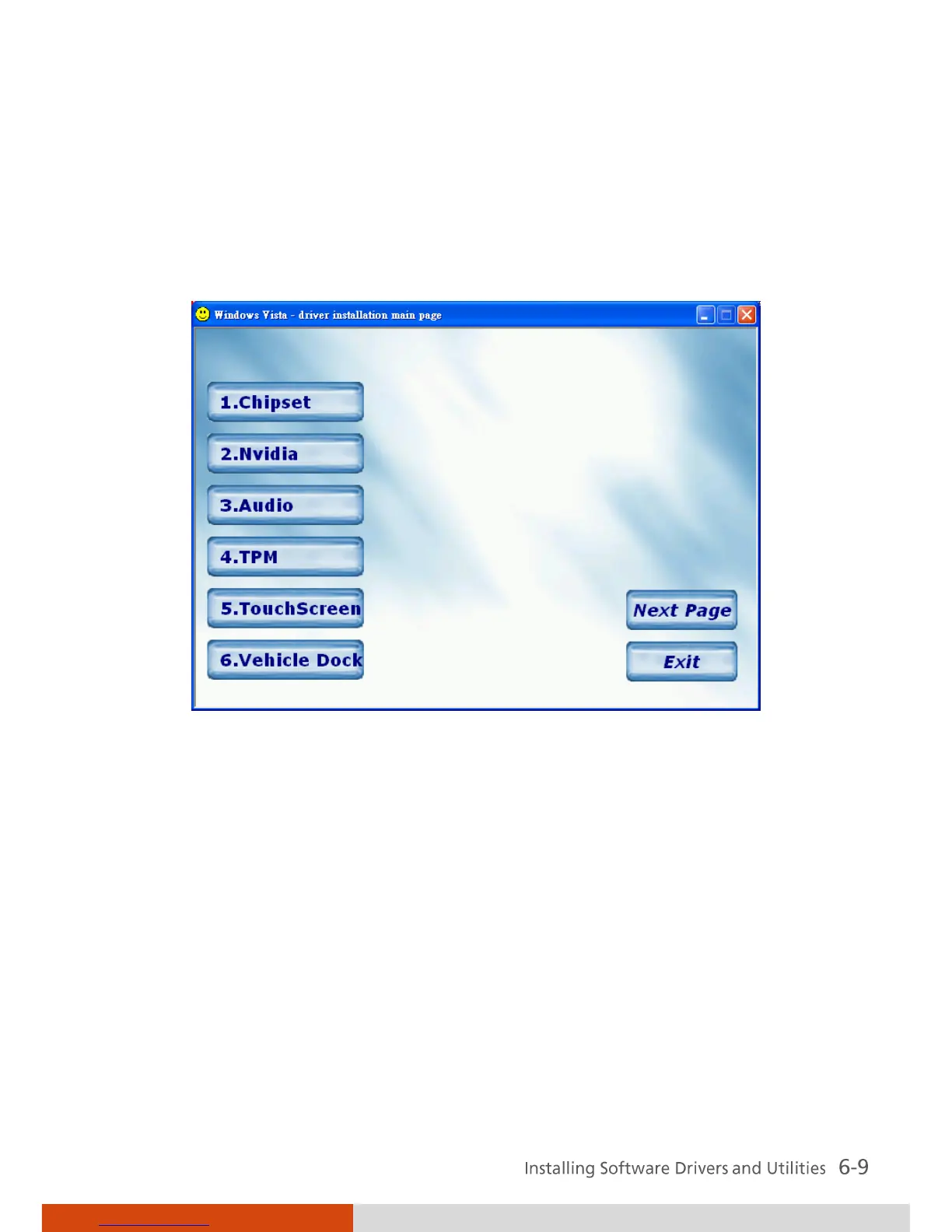
After selecting the operating system Windows Vista from the main screen,
the driver installation screen appears as shown next:
To install a driver, just click the particular button and follow the onscreen
instructions to continue and complete installation.
Drivers on the First Page
Chipset Ensures the full function of the following drivers.
Install this main driver before installing the other
drivers. Upon clicking this button, the chipset, VGA,
modem, and LAN drivers would be installed one
after the other.
Nvidia
Installs the optional Nvidia VGA controller driver.



 To Next Page