Turning On and Off the Computer
Turning On
1. Make sure that the computer is connected to AC power.
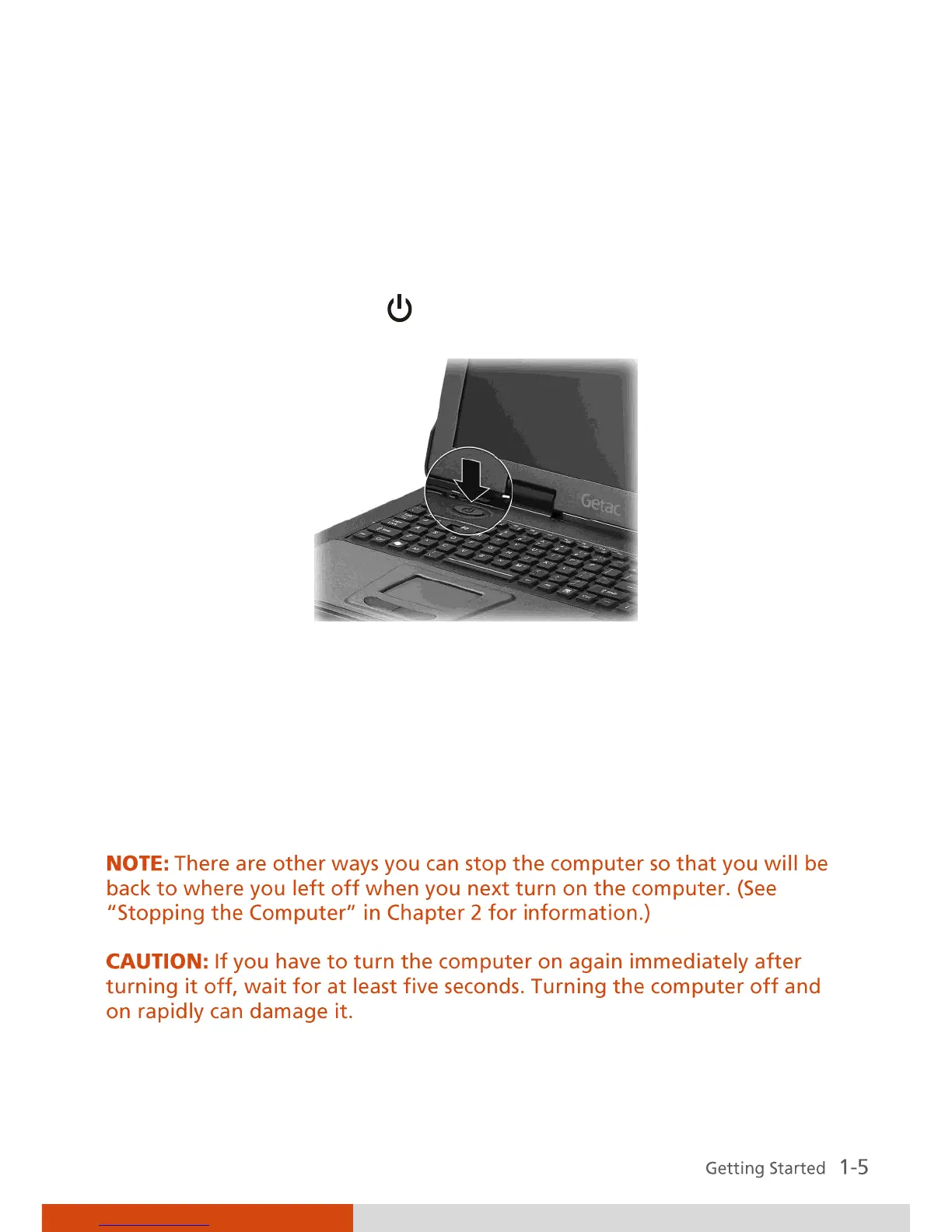
2. Press the power button (
).
3. Each time the computer is turned on, it performs a Power-On Self Test
(POST), and the operating system such as Windows should start.
Turning Off
To turn off the computer power, use the “Shut Down” command of your
operating system.



 To Next Page