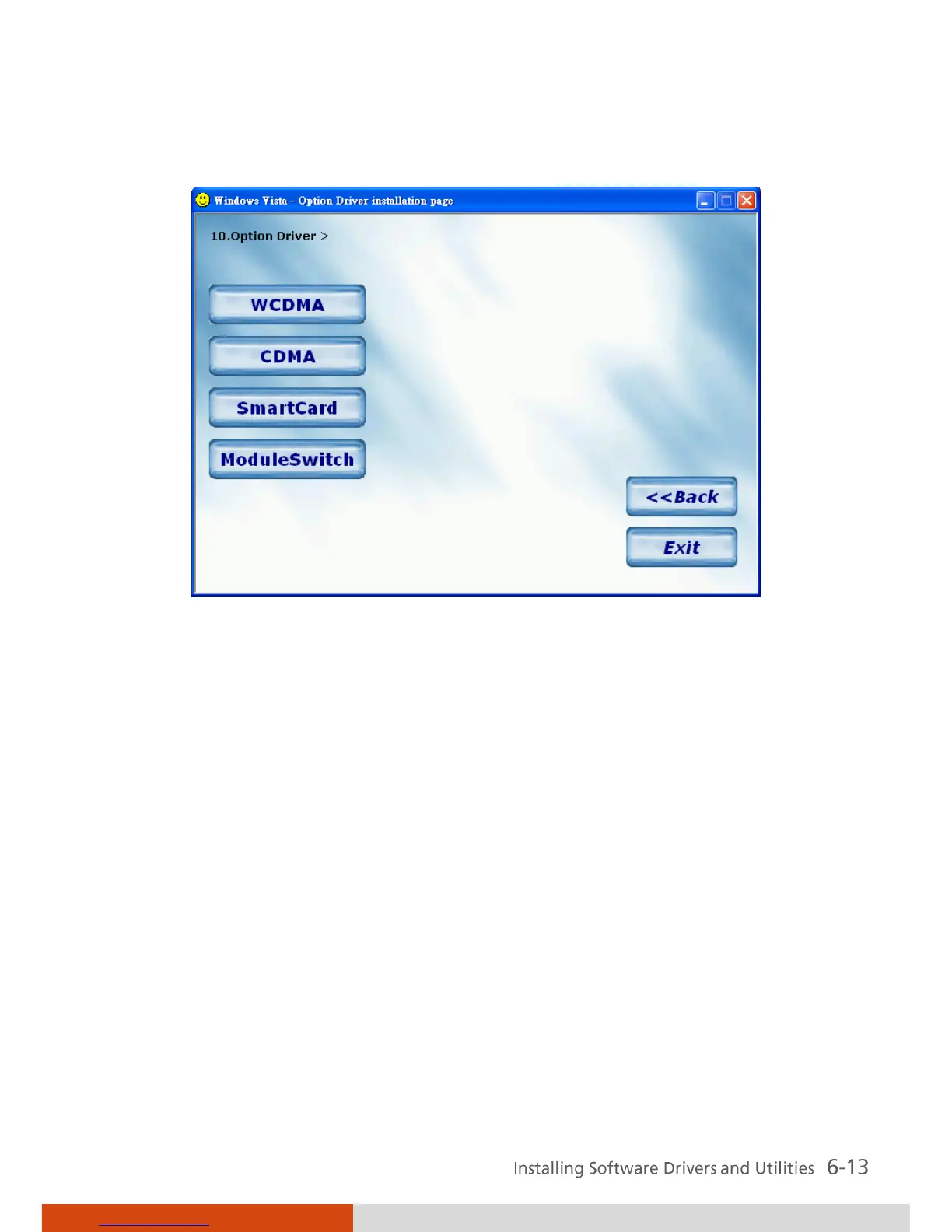
Option Driver Upon clicking on this, the following screen appears.
WCDMA
Installs the Novatel EU740 / Sierra
8775V WCDMA driver and
application.
CDMA
Install the Sierra 5720/25V CDMA
driver and application.
Smart Card Installs the smart card driver for
using the smart card reader
feature.
Module Switch Allows you to power ON/OFF the
Bluetooth
®
wireless feature / WLAN
radio as well as set the power
ON/OFF state during system
startup.



 To Next Page