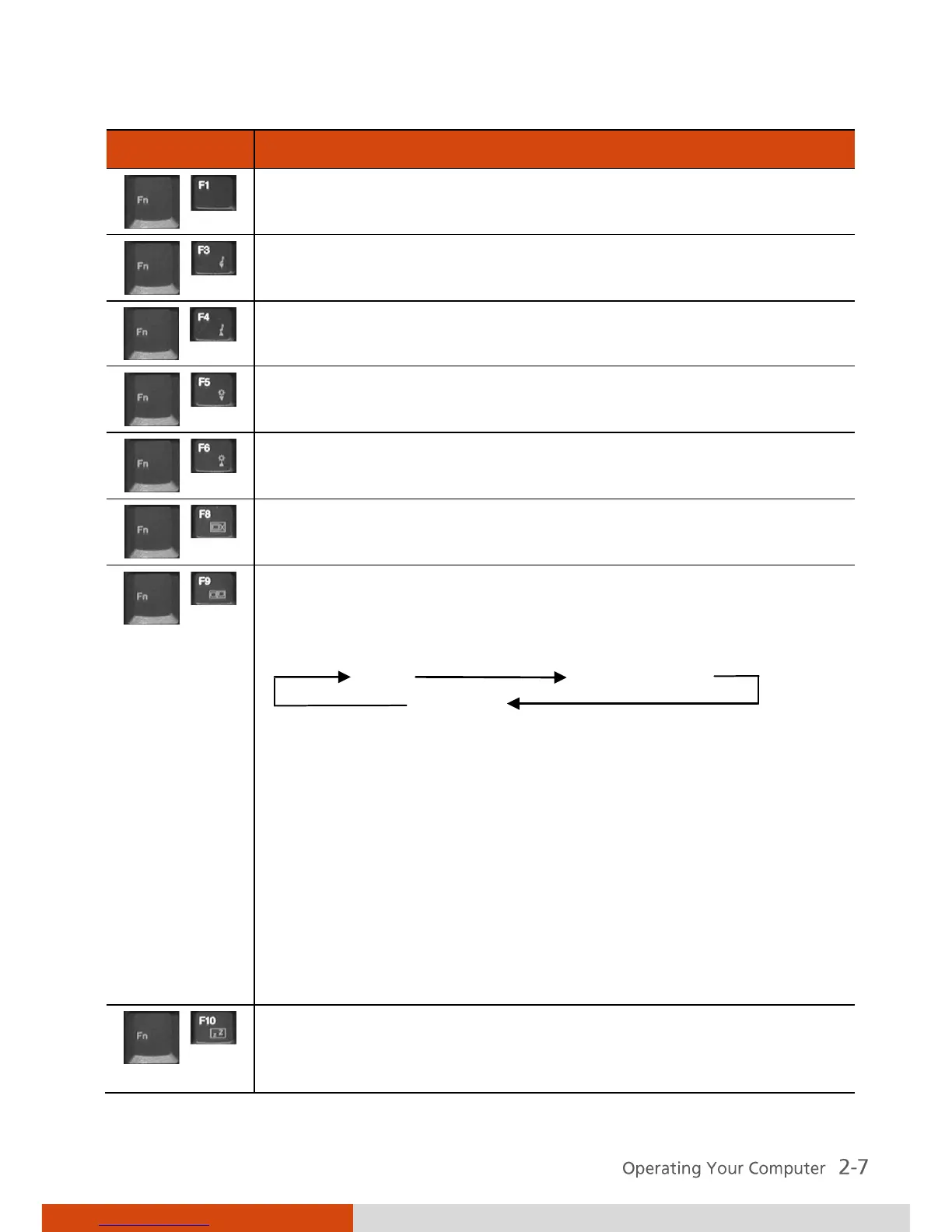
Switches the display output to one of the following when
an external device is connected.
Upon booting the system with CRT:
LCD LCD & CRT
CRT
NOTE:
Fn + F9 will not work when playing a DVD/MPEG
movie.
Using the VGA utility’s “Graphics Properties” to switch
the display output is not allowed.
Display switching when in full screen (maximize view)
DOS mode is not allowed.
If the display mode is set to 256 colors or lower, or in
DOS mode, there will be only two modes for selecting:
CRT only and LCD & CRT.
This function only applies to Plug & Play CRT monitors.
Serves as the sleep button that you can define with
Windows’ Power Management. (See “Power
Management” in Chapter 3.)



 To Next Page