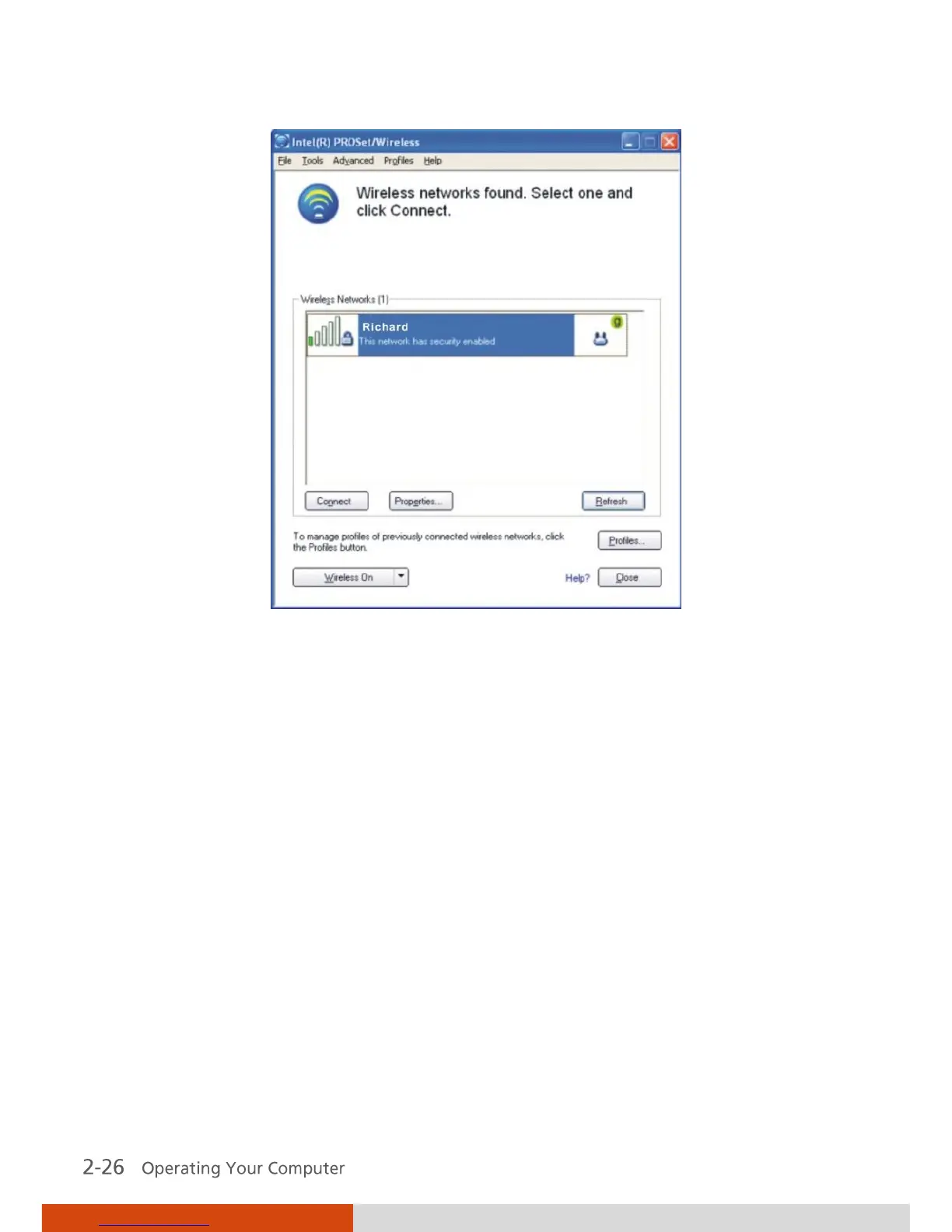
4. Click to select a wireless network to connect to, and then click Connect.
5. Depending on the settings, you may be asked to enter a wireless security
password (encryption key).
For more information on the Intel PROSet Wireless utility, click Help? in the
Intel(R) PROSet/Wireless window.



 To Next Page