4. Select the device to connect to and click on Next.
5. Depending on the type of Bluetooth device that you want to connect to,
you will need to enter the pertinent information.
Sending a File
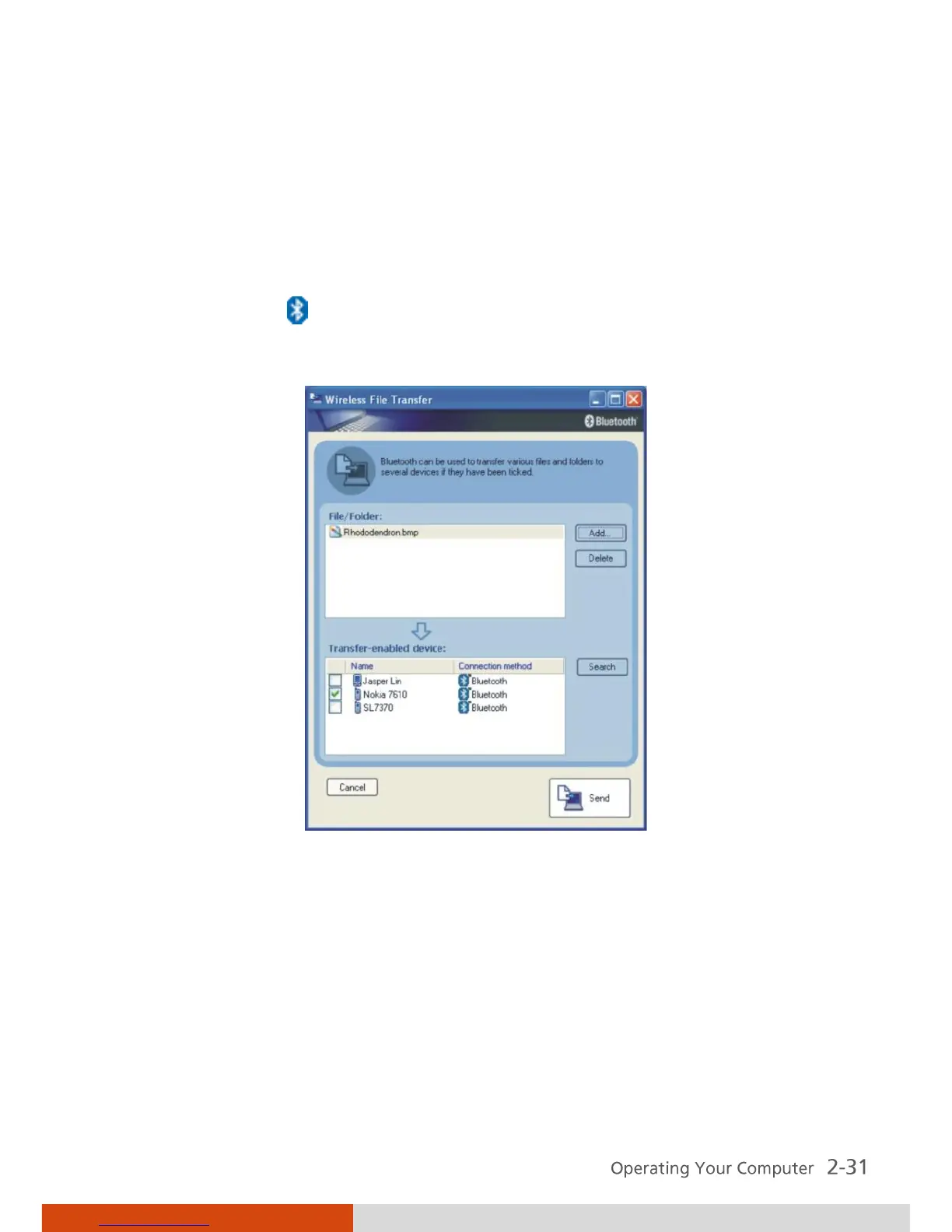
1. Right-click the icon, and then click Wireless File Transfer. The
following screen appears.
2. In the Wireless File Transfer window, click Add to browse for the file to
send. The file(s) will show on the File/Folder window.
3. Click the target device from the Transfer-enabled device window, and
then click Send to start the transfer procedure.
For detailed information on using the Bluetooth Utility, see the Bluetooth
Utility Help on your computer by clicking on Help, then Help . . .



 To Next Page