The bootable devices will be automatically detected during POST and shown
here, allowing you to set the sequence that the BIOS uses to look for a device
from which to load the OS.
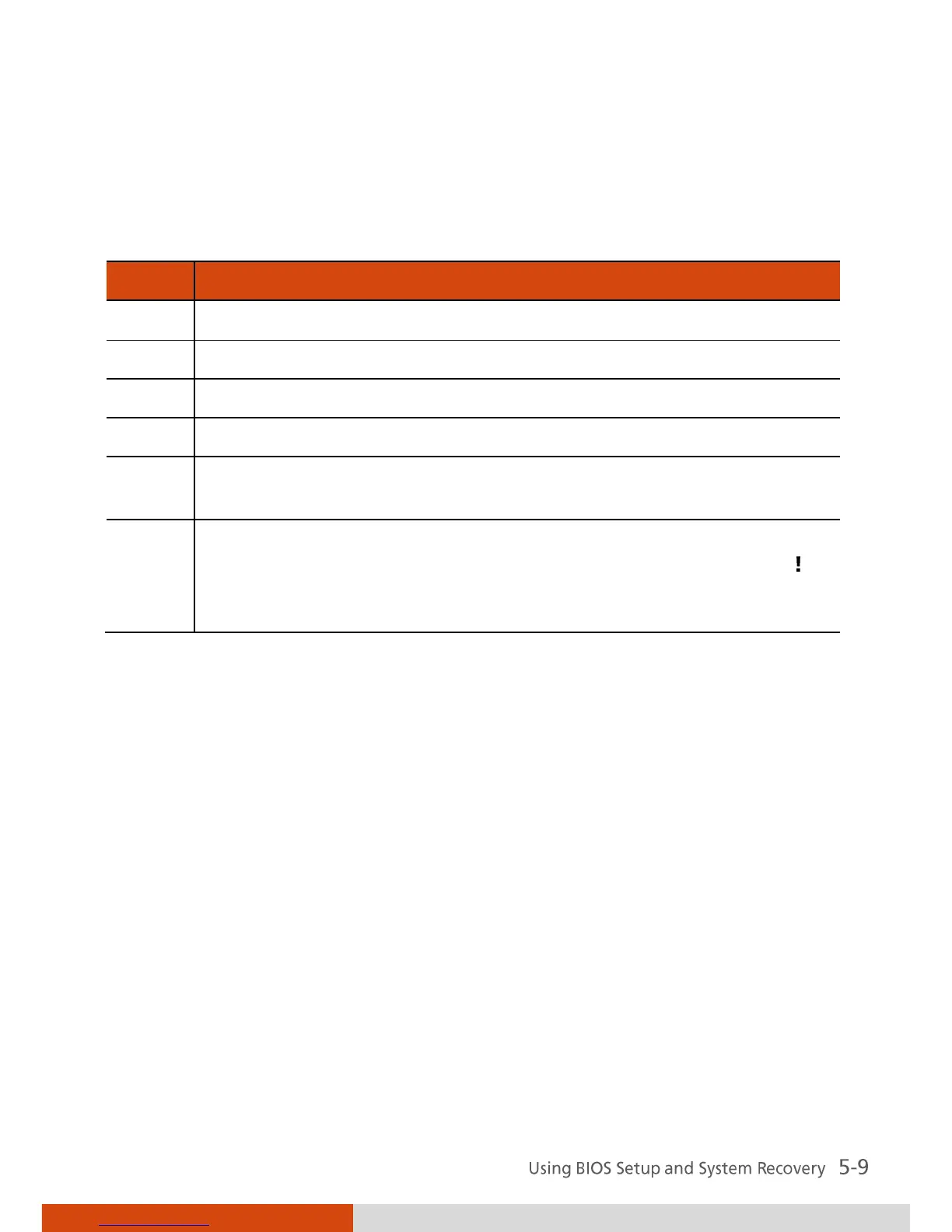
Below is a brief description of keyboard usage:
Selects (highlight) a boot device.
Changes the boot sequence.
Loads the default boot sequence.
Specifies if the device is fixed (f) or removable (r).
Moves the highlighted boot device from the “Boot priority
order” list to the “Excluded from boot order” list, and vice versa.
Deactivates/activates the highlighted boot device on the “Boot
priority order” list. When a device has been deactivated, an “ ”
(exclamation) symbol appears beside the item and system will
bypass it when detecting boot device during POST.



 To Next Page