Vehicle Dock
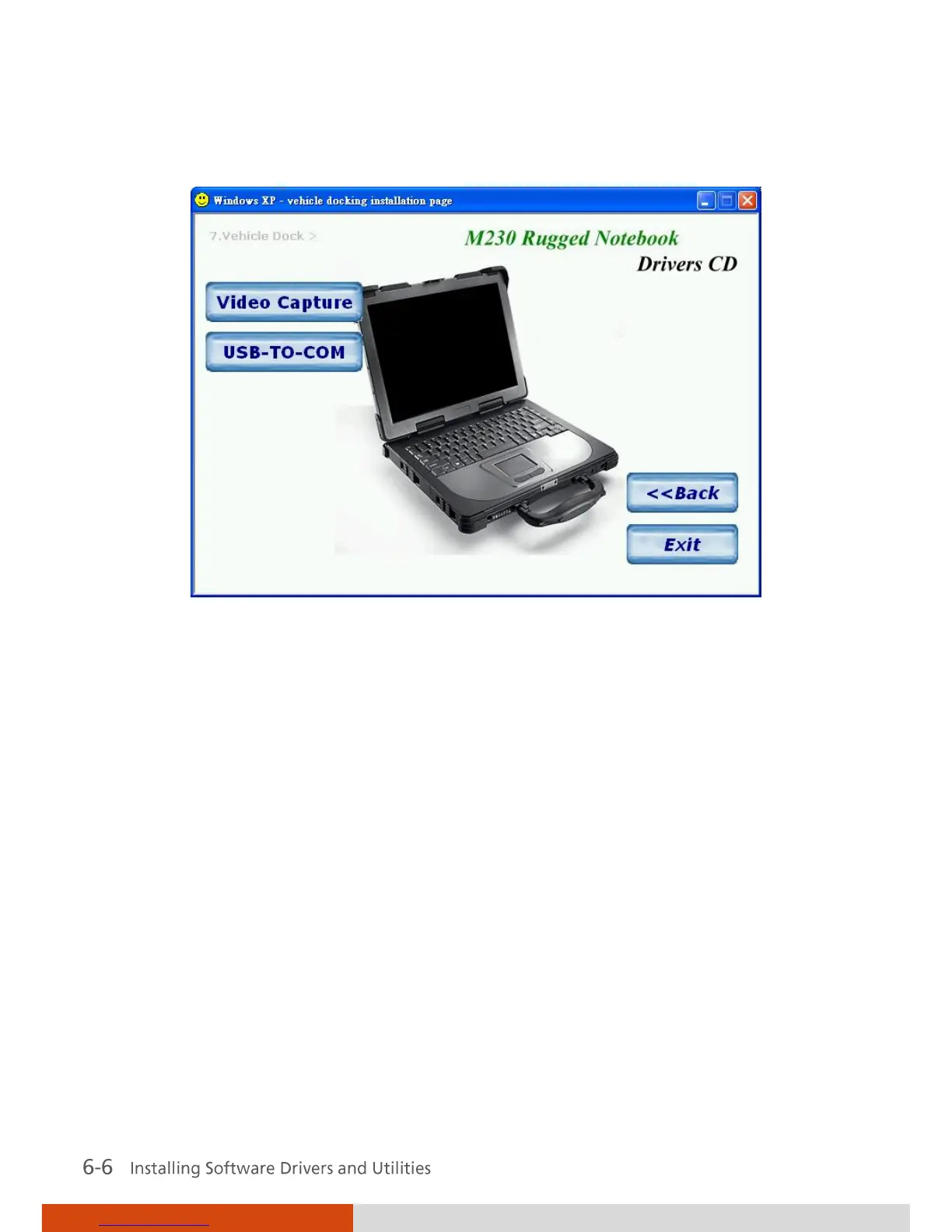
Upon clicking on this, the following screen appears.
Video Capture
Allows you to install the video
capture driver (STK1120/STK1160)
to connect a video capture device
through the AV input port
(option).
USB-to-COM
Allows you to use the optional
wireless modem and GPS features
to transmit information wirelessly.
MTCCTRL Allows you to use the built-in heater feature that
automatically turns on for low temperature hard
disk drive operation.
OSD
Installs the OSD (on screen display) utility that
provides a graphic display to indicate the current
status of certain operations.



 To Next Page