14
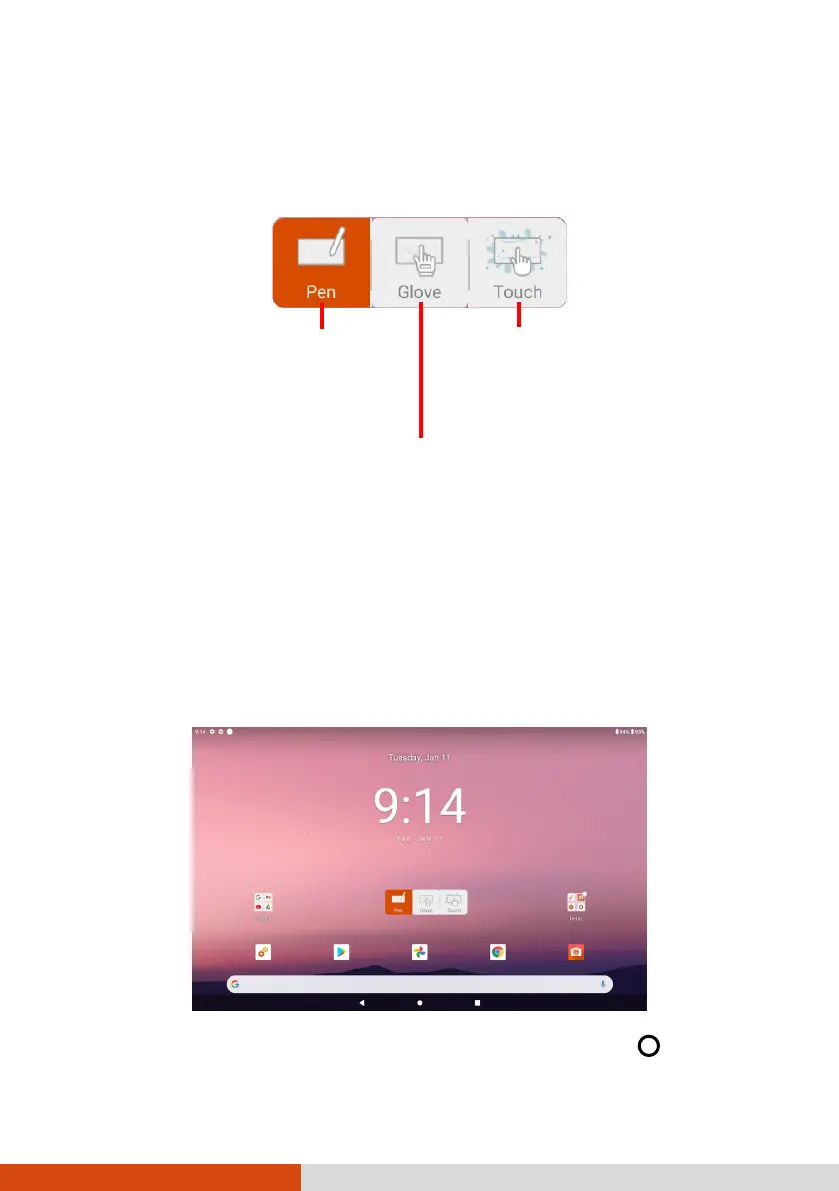
Touch Mode
You can change the touch mode to suit your scenario. To quickly switch the
mode, tap one of the widgets on the Home screen.
Home Screen
The Home screen is your starting point to access all the features on your
device. You can have it display application icons, widgets, shortcuts, and
other features that you want. The default Home screen already contains
some app icons and widgets.
To return to the Home screen at any time, tap the Home icon
at the
bottom of the screen.
Enables simultaneous use with
Getac stylus or finger touch.
(Y
ou must use the stylus
.)
Has a higher sensitivity to allow use
with gloves
(referring to warm
not referring
-capable gloves).
Select this mode when liquids,
such as raindrops, are falling
on the screen and should be
rejected as input. Works best
with fingertips.



 To Next Page