44
Customizing Your Device
NOTE:
Make sure that you fully understand the function of a certain item before any
adjustment.
Some setting items are available only for specific models or apps you have in
your device.
Settings
The Settings app contains most of the tools for customizing and configuring
the Android device.
To open Settings, use any of the below methods:
Open Quick Settings and tap the Settings icon .
Open the All Apps screen and tap Settings.
For information on standard Android settings, check Google official website
for online help.
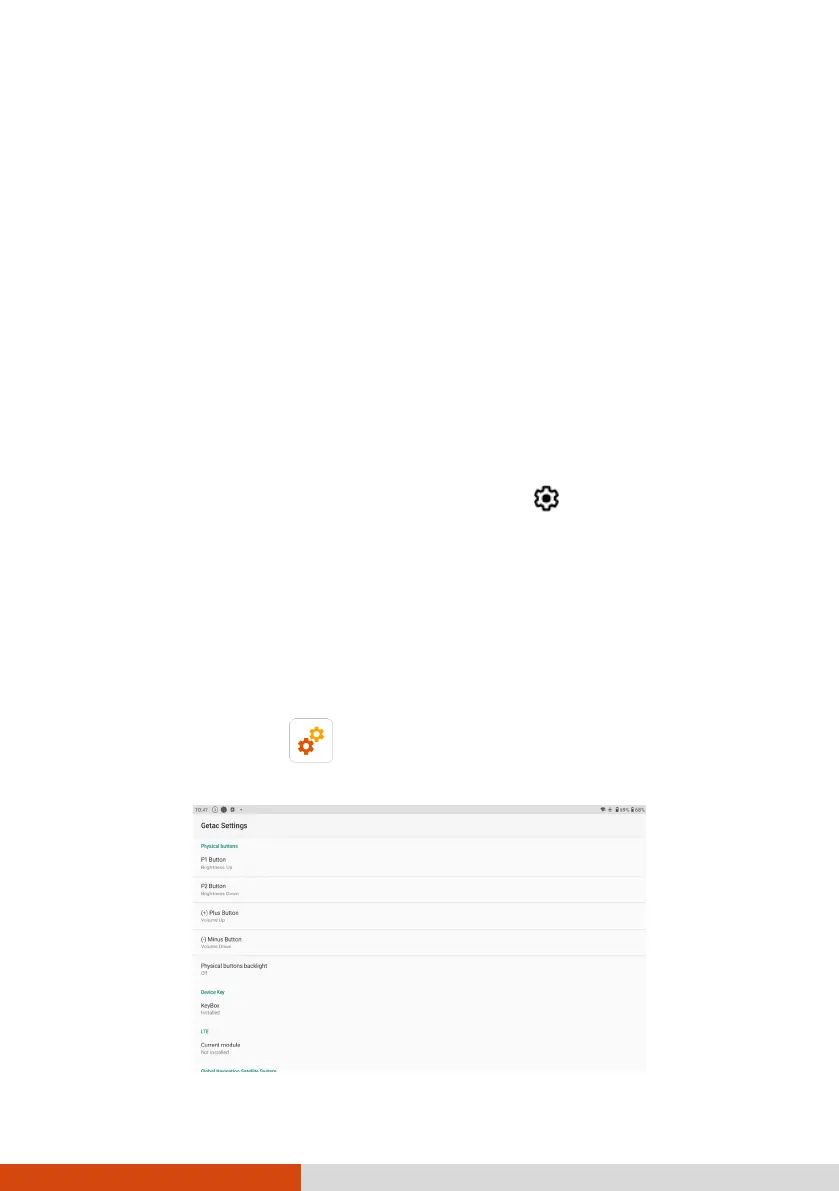
Getac Settings
Use Getac Settings to configure functions specific to your device. Tap the
Getac Settings app icon , which can be found in the default Home
screen, the Getac folder, and the All Apps screen.



 To Next Page