24
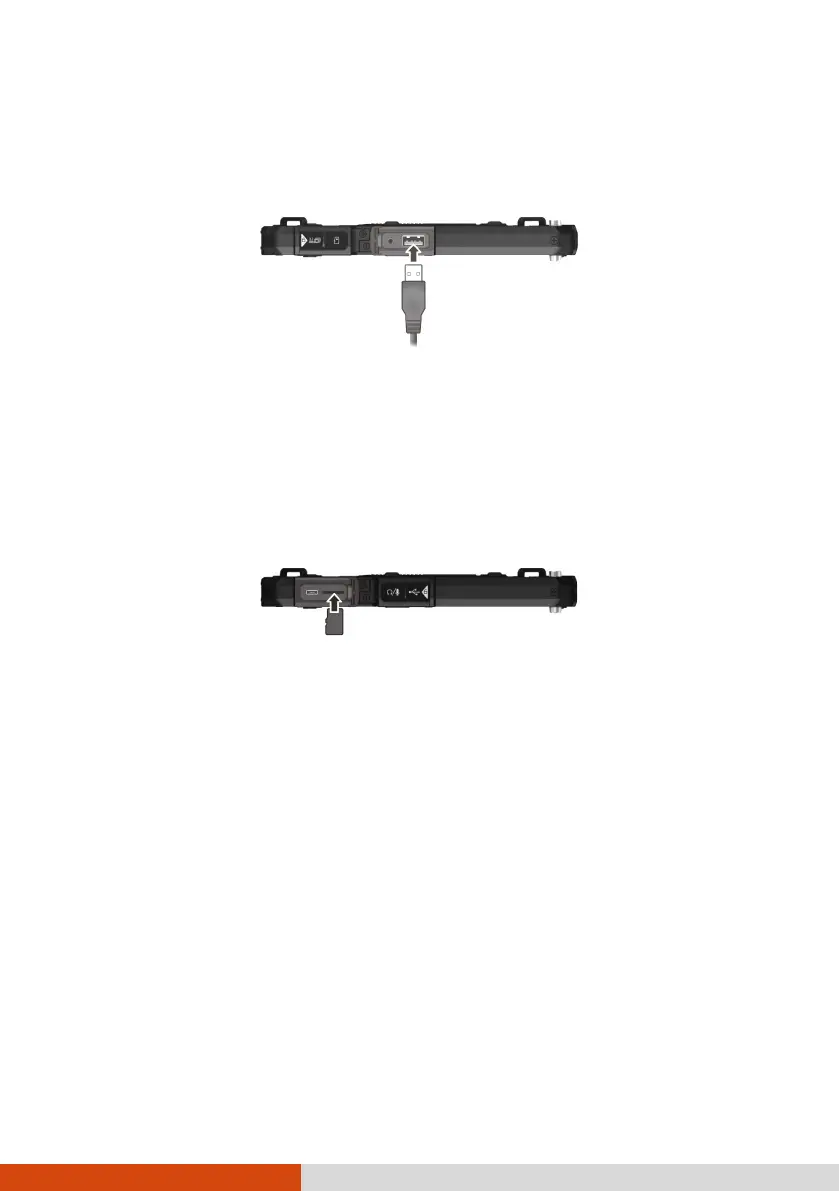
Connections via USB Type-A
Your device has a USB 2.0 Type-A host connector for connecting USB
peripheral devices, such as a USB drive.
Using a MicroSD Card
Inserting a microSD card
1. Locate the microSD card slot and open the cover.
2. Noting the orientation, insert the microSD card into the microSD card
slot.
Remove a microSD card
You can safely remove the microSD card from your device any time the
device is shut down. If you need to remove the card while the device is on,
unmount the card first to prevent corrupting or damaging the card.
To unmount:
1. Go to Settings Storage and then tap the Eject icon next to your
microSD card.
2. Open the cover. Press the edge of the card to release it and then pull the
card out of the slot.



 To Next Page