35
5. By default settings, the scan beam will turn on again shortly afterwards,
ready for the next barcode. To end the scanning session, tap the Barcode
Scan key.
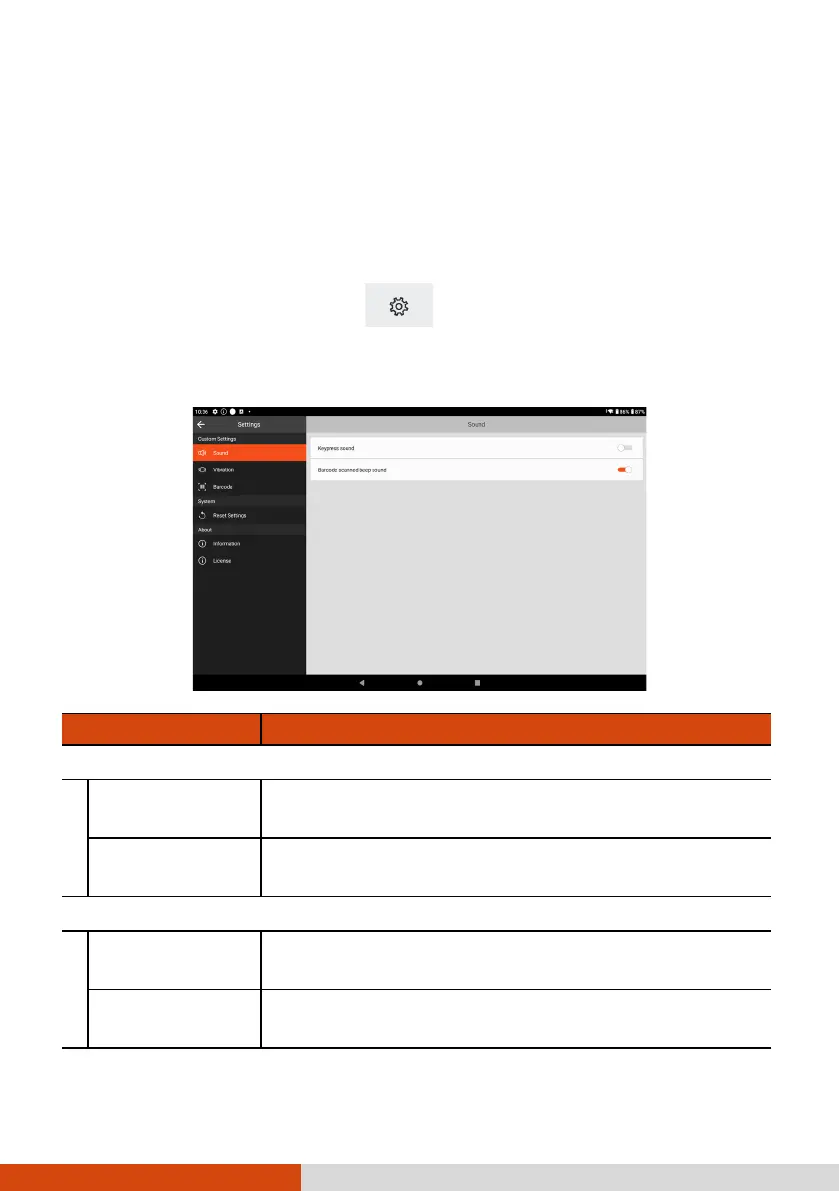
GetacIME Settings
To open GetacIME Settings, use one of the below methods:
When GetacIME is open, tap to access its settings menu.
Go to Settings System Languages & input On-screen keyboard
GetacIME.
Item Description
Sound
Keypress sound
To enable or disable the typing sound whenever a
key is pressed.
Barcode scanned
beep sound
To enable or disable the beep sound upon a
successful barcode scan with the device scanner.
Vibration
Keypress vibrate
To enable or disable device vibration whenever a
key is pressed.
Barcode scanned
vibration
To enable or disable device vibration upon a
successful barcode scan with the device scanner.



 To Next Page