23
External Connections
Connections via USB Type-C
Your device has a USB Type-C connector. “USB Type-C” (or simply “USB-C”)
is a physical USB connector format that features small size and free orientation.
This connector supports:
USB 3.2 Gen 1 (data transfer rate up to 5 Gbps)
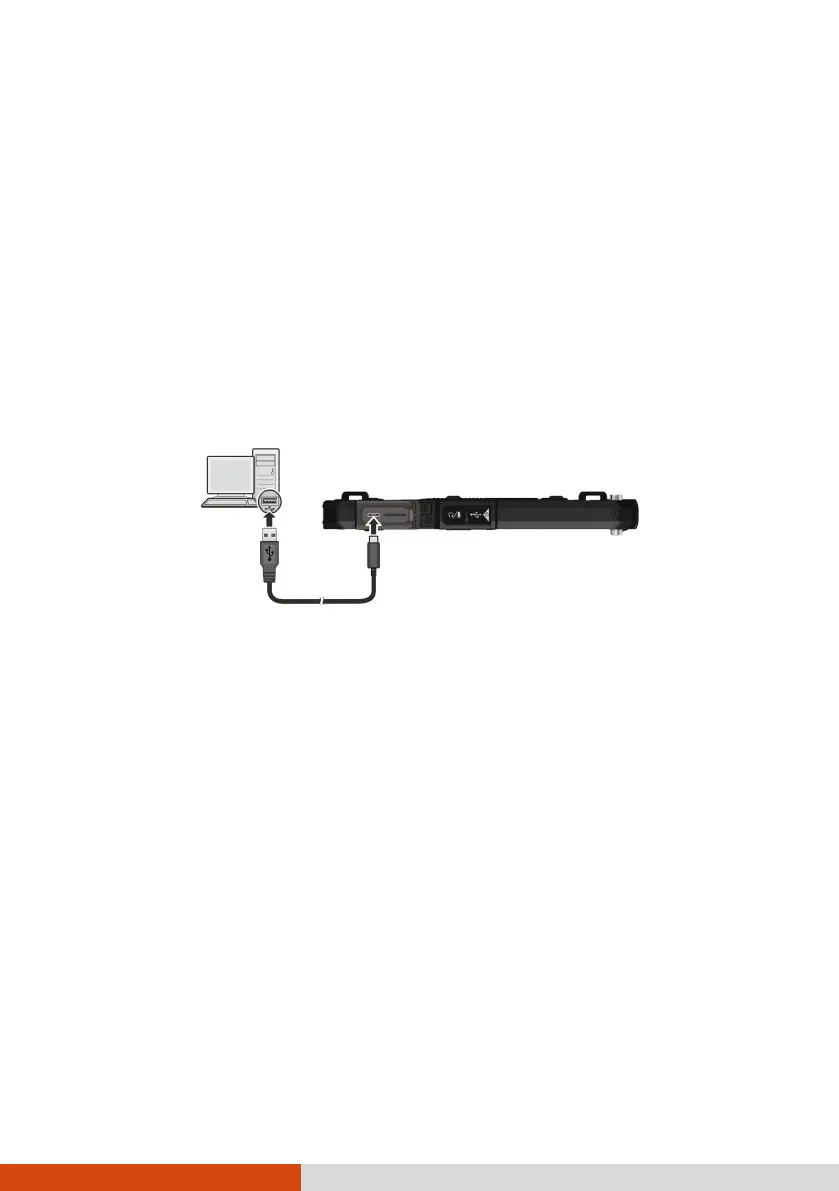
You can connect your device to a computer with the USB cable, to transfer
files between your device and the computer. Use the USB cable (available
to you as an option) to connect the device to a USB connector on your
computer.
NOTE: With a proper adapter, you can still connect a USB peripheral that has a
Type-A connector to this Type-C connector. However, Getac does not guarantee
the compatibility with all USB peripherals via the adapter.
DisplayPort over USB-C
USB Power Delivery
You should use the appropriate wattage/voltage USB-C power adapter
for your specific model.
USB-C power adapter specifications: 18 W (or above), 9 V (or above)
NOTE:
If you connect the USB-C power adapter to the device in the shutdown state,
the device will automatically start up. This is a normal behavior. You can turn
off the device afterwards.
If you connect the USB-C power adapter to the device with no battery pack
installed, the device cannot start up.



 To Next Page