31
Button Description
Flash
(for Camera
mode)
To select a flash mode for photo taking. Tap to cycle
through the choices. The icon indicates the current status.
- Automatic (default)
- On
- Off
Flash
(for Video
mode)
To turn on or off the flashlight for video recording. The
icon indicates the current status.
- Off (default)
- On
Camera Switch
To switch between the front and back camera lens.
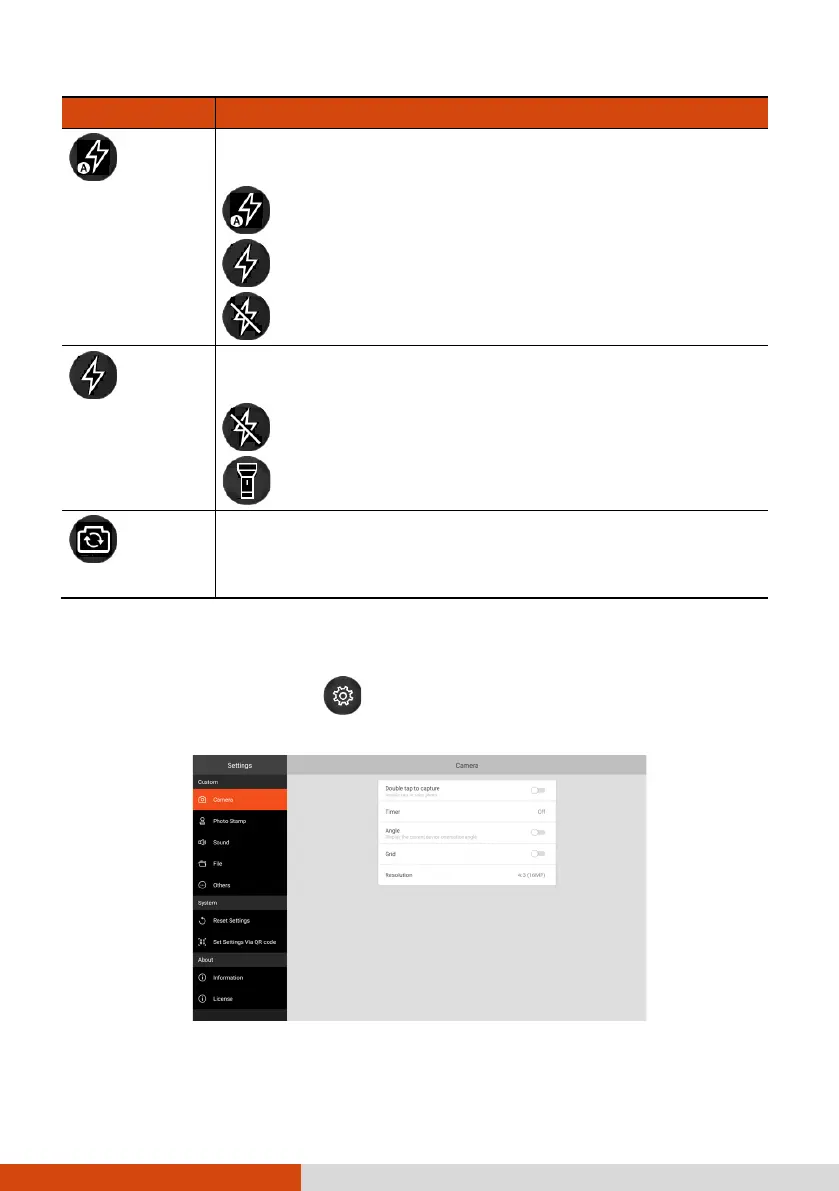
Camera Settings
While in Getac Camera, tap at the top left corner to open the settings
menu.



 To Next Page