51
Item Description
Receive
notification
To determine if you will receive the notification of an OS
or Getac app update.
• Never: You will not be notified.
• Major updates only: You will be notified only if the
update is a major one.
• All updates: You will be notified of any available update.
You can tap the notification in the Notifications Panel to
act on the notification.
Automatic
download
To determine how automatic download works.
• Never: Automatic download is disabled.
• When Wi-Fi is available: Whenever the device is
connected to Wi-Fi, the device tries to check for updates
and download if there is any.
• Always: Whenever there is an update, downloading
will always be p
erformed. Note that this will affect the
mobile data usage for models supporting mobile
networks.
Allow Android
version
upgrade
To determine if your device will be upgraded to a newer
Android version when it is available.
• Allow: A version upgrade can be performed.
• Disallow: Your device will receive updates for the
current Android version only. You will not be notified
of a new Android version.
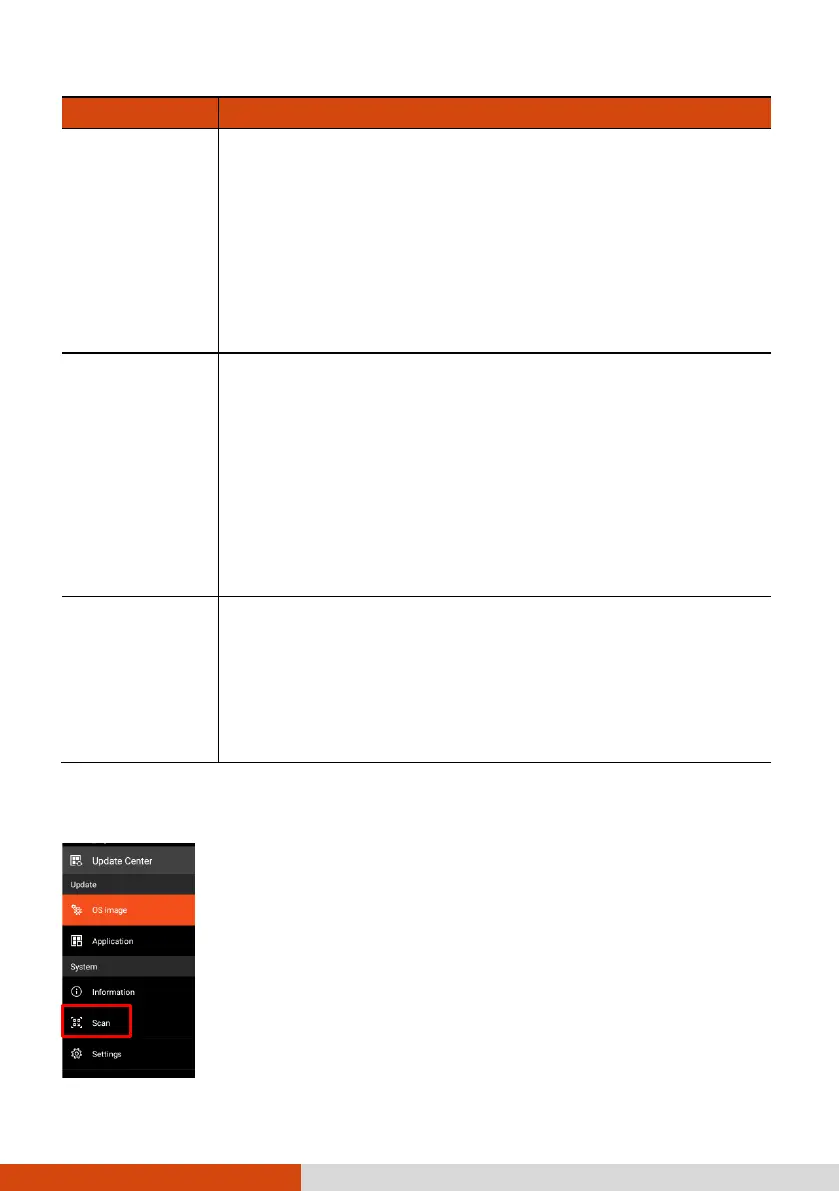
Update Center Scan
The “Scan” feature is available for specific customers only.
With a QR code provided by Getac, updates can be performed
by scanning the QR code.



 To Next Page