15
You can add app icons, shortcuts, widgets, and other items to any part of
the Home screen where there’s free space.
Using Applications
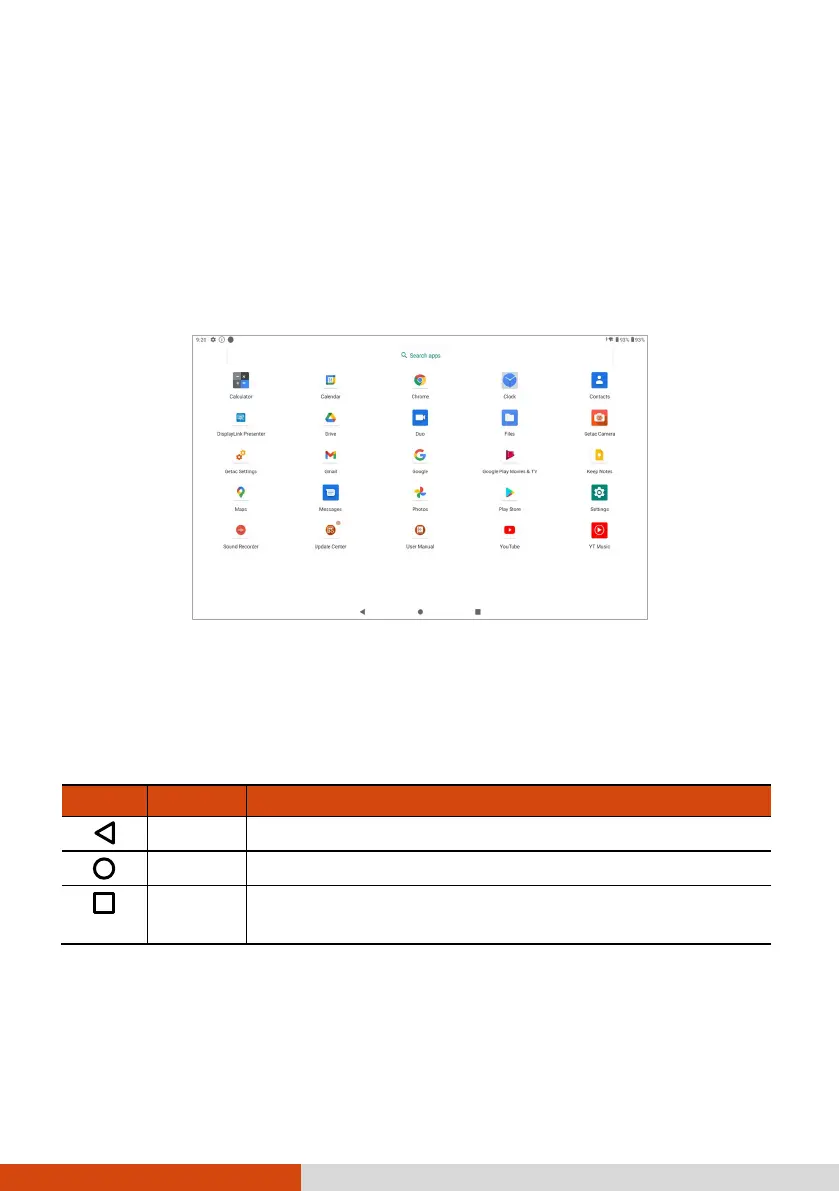
Swipe up from the bottom of the Home screen to open the All Apps screen.
The screen holds icons for all of the apps on your device. Tap an icon to
open the app.
Navigation Bar
The navigation bar at the bottom of the screen provides buttons for
navigation purposes and frequently-used tasks.
Button Name Description
Back To go back to the previous screen.
Home To open the Home screen.
Recent
To opens the Recent Apps screen. From here, you can
switch to or close a recently used app.



 To Next Page