34
GetacIME
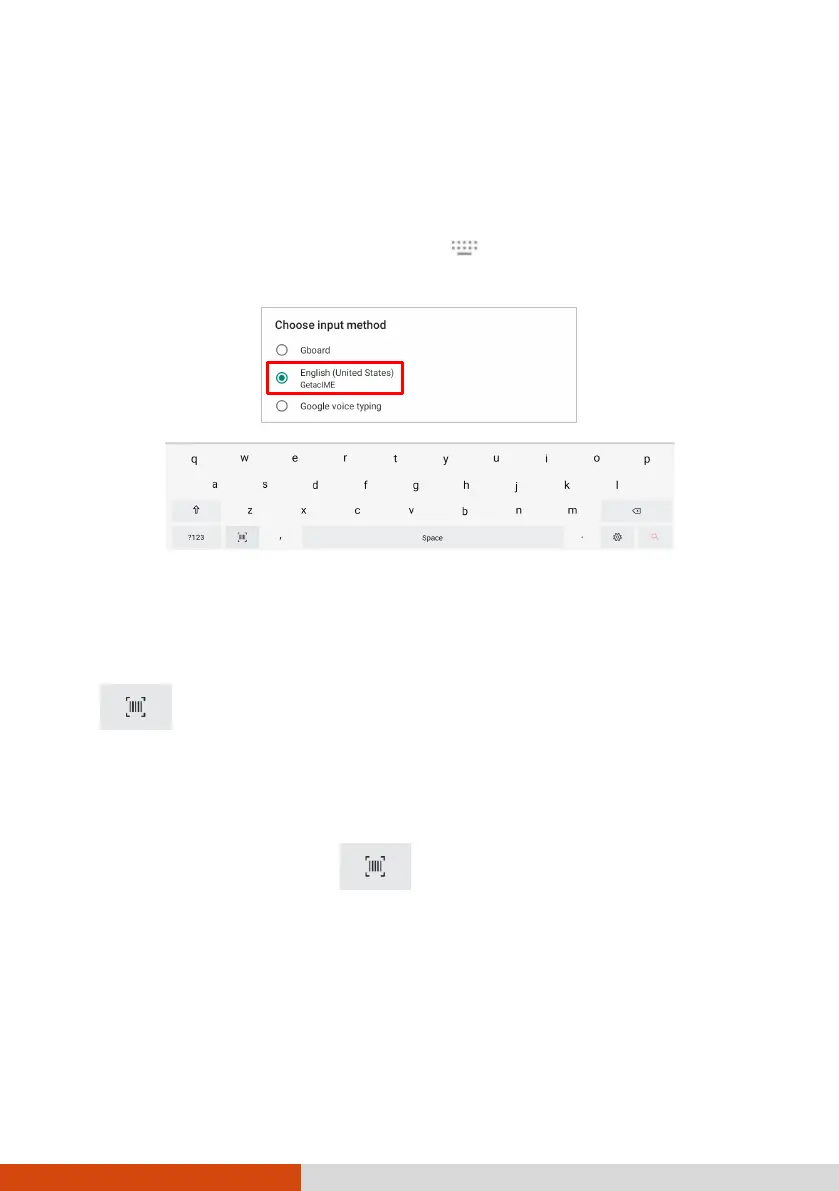
GetacIME (Input Method Editor) is an English keyboard that incorporates a
“barcode scan” key (available for select models only).
To switch to the GetacIME keyboard, tap at the bottom right of the
screen and select GetacIME.
Using the Barcode Scan Key (Select Models
Only)
If your model has the barcode scanner lens, you will see the Barcode Scan
key on the GetacIME keyboard.
NOTE: Most common 1D and 2D symbologies are supported.
1. Place the insertion point (or called cursor) where you want the data to
be entered.
2. Tap the Barcode Scan key on the keyboard.
3. Aim the scan beam at the barcode. Adjust the lens’ distance from the
barcode, shorter for a smaller barcode and farther for a larger one.
4. Upon a successful scan, the scan beam turns off and the decoded barcode
data is entered.
The scan beam also turns off after timeout.



 To Next Page