50
Updating Getac Apps
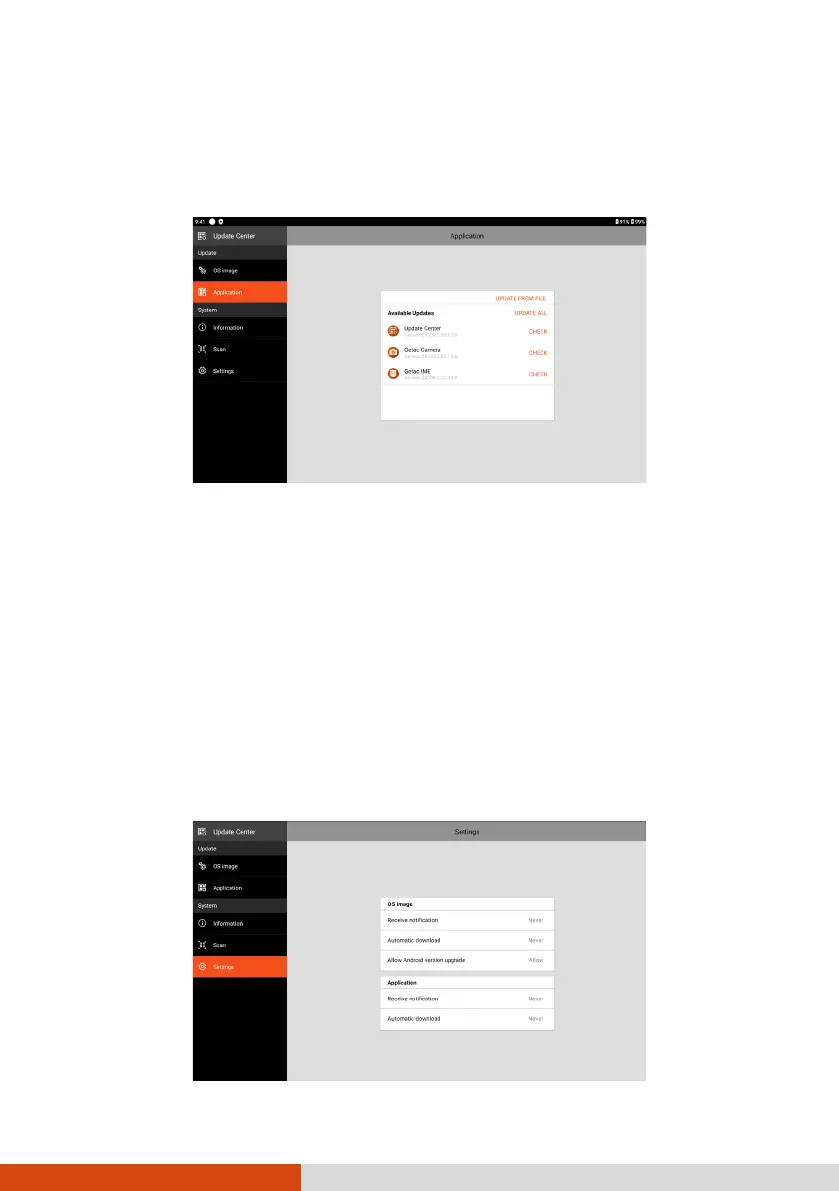
After opening Update Center, tap Application. The information you see
depends on the current status of your device.
If an update is found available after a check (either manually or automatically),
you will see the UPDATE button for the app.
Tap UPDATE to update the individual app one by one. Or tap UPDATE ALL
to update all at one time.
NOTE: Alternatively, you can update the app using a file you have obtained. Tap
UPDATE FROM FILE and select the location where the file is stored.
Update Center Settings
While in Update Center, tap Settings to enable/disable notifications and
automatic download.



 To Next Page