49
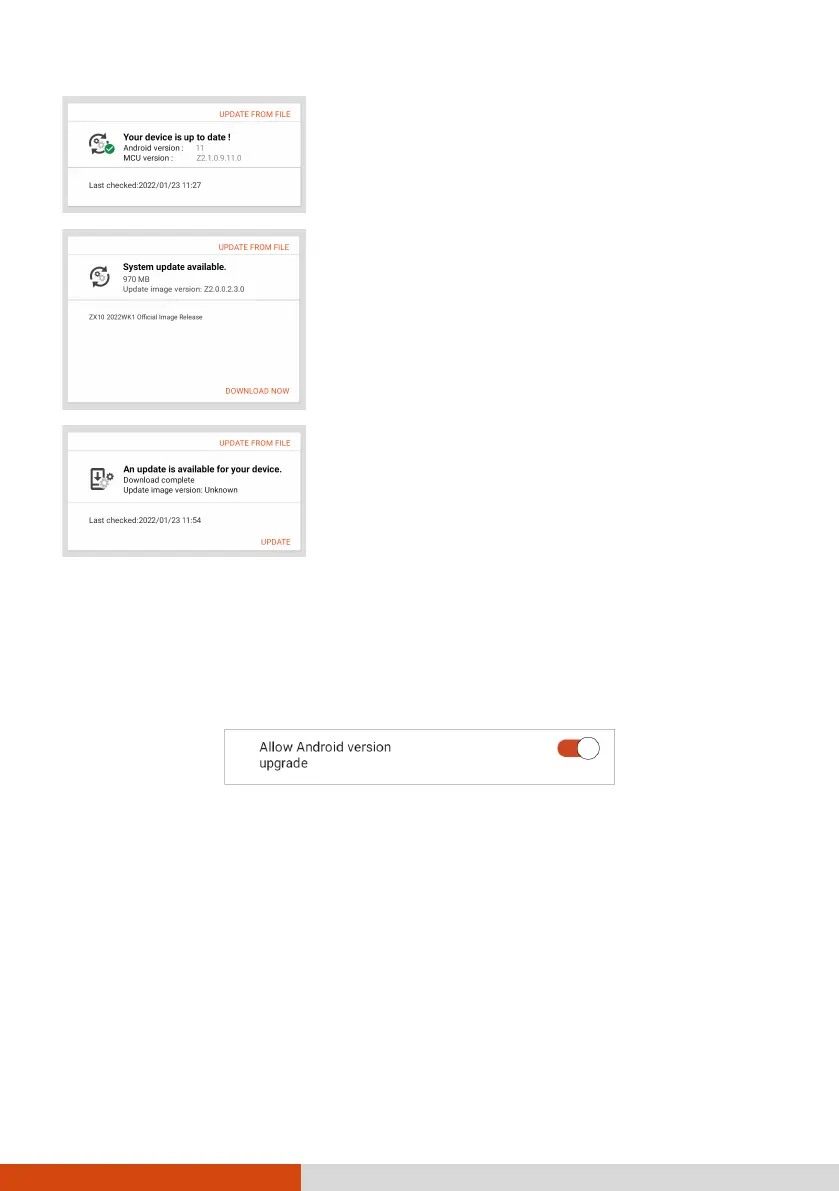
You will see this screen if the OS is up to date.
You will see this screen if an update is found
available at the server.
DOWNLOAD NOW. After the download is
completed, a window pops up to inform you.
UPDATE in the popup window.
You will see this screen if you did not perform the
update after an update has been downloaded.
UPDATE.
NOTE: Alternatively, you can update the OS using a file you have obtained. Tap
UPDATE FROM FILE and select the location where the file is stored.
When the update is completed, you will be prompted to restart the device.
Android Version Upgrade
If this switch is set to On, you can upgrade your device to a newer Android
version when it is available.
If set to Off, your device will receive updates for the current Android version
only.



 To Next Page