17
Entering Information
You enter text, numbers, and symbols using the virtual keyboard (or called
on-screen keyboard). Some applications open the keyboard automatically.
In others, the keyboard opens when you tap an input field.
NOTE: If the virtual keyboard does not open, go to Settings System
Languages & input
Physical keyboard and enable Use on-screen keyboard.
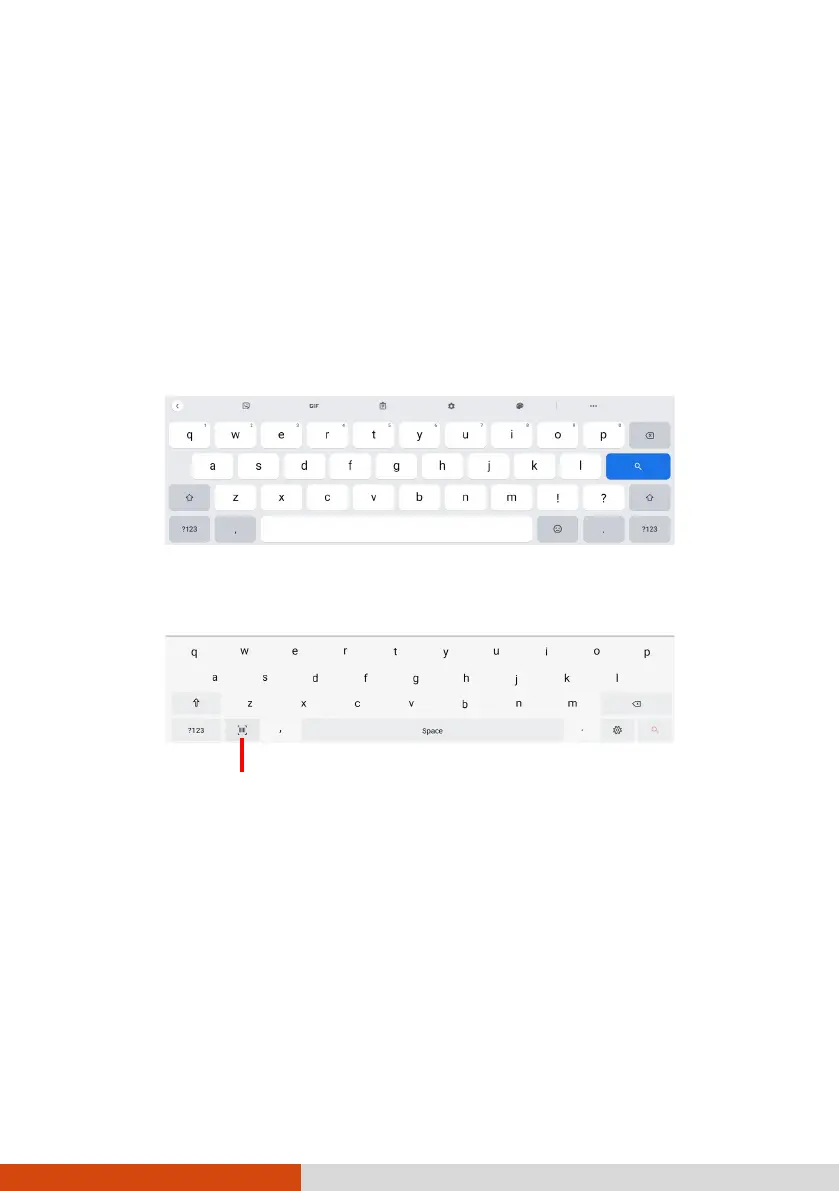
Your device has two virtual keyboards (Gboard and GetacIME).
Gboard: This is the default Google™ keyboard.
GetacIME: This is a virtual keyboard developed by Getac. (See “GetacIME”
in Chapter 4 for detailed information on using the keyboard.)
Barcode Scan (available for select models only)



 To Next Page