48
11 Status display
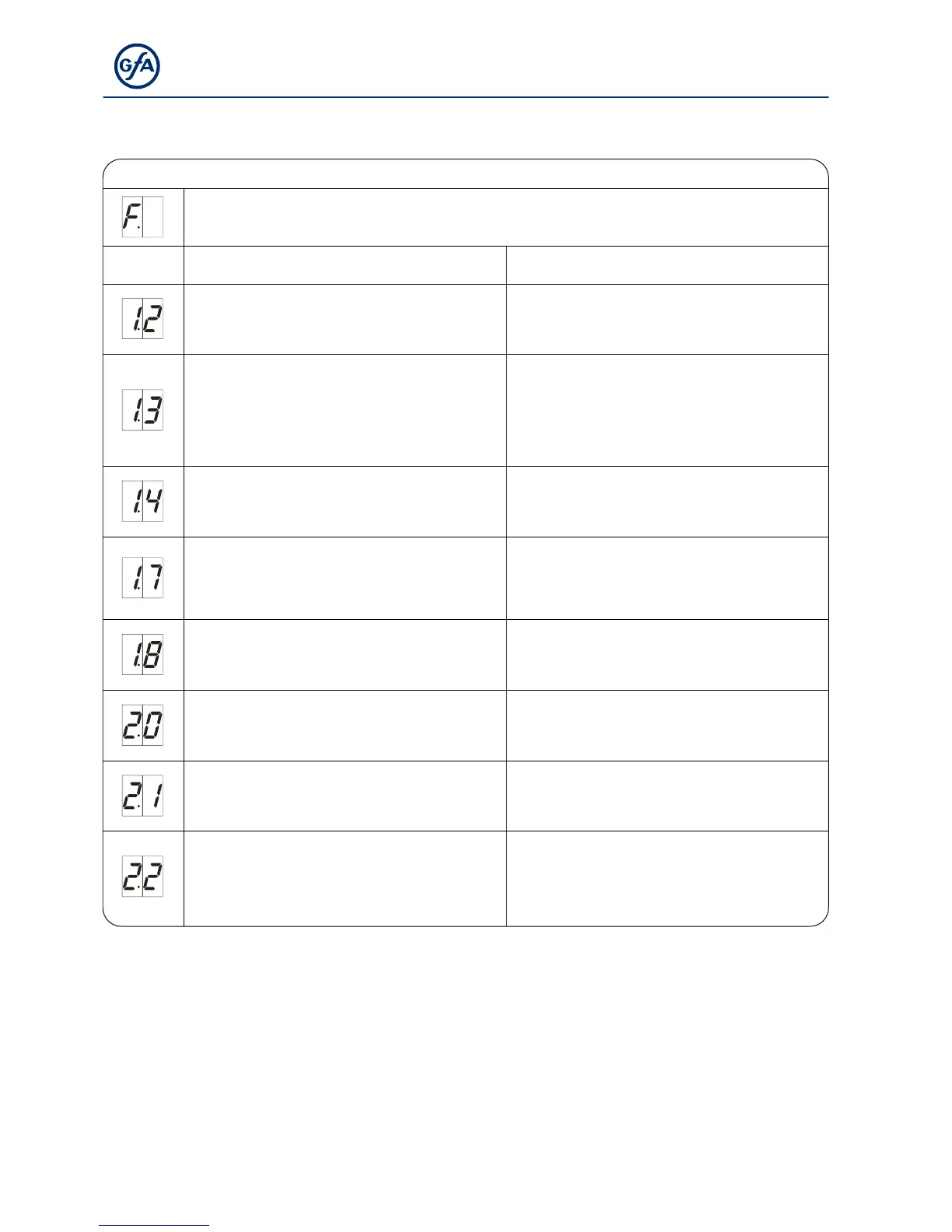
Faults
Display: "F" and digit
Code Fault description Fault causes and fault correction
Terminals X2.1 – X2.2 are open.
Slack-rope switch/Pass-door contact is open.
Check door safety switch.
Check whether the connection cable is
connected.
Open safety circuit (DES)
Emergency manual operation has been
activated.
Thermal protection of the motor has tripped.
Check emergency manual operation.
Check for overload or stalling of the drive unit.
Terminals X3.1 – X3.2 are open.
Emergency stop has been activated.
Check emergency stop.
Check whether the connection cable is
connected.
Faulty entrysense switch.
Contact resistances are too high.
Faulty entrysense installation.
Open and close pass door.
Check resistance.
Check the pass door installation.
Entrysense input
X2.1 – X2.2 is faulty.
Switch control off and on.
Replace control if necessary.
No safety edge detected. Check the wiring of the safety edge.
Terminals X6.1 – X6.2 are open.
Photo cell has been activated.
Check alignment of the photo cell.
Check connection cable.
Replace photo cell if necessary.
Maximum number of reversing for door through
safety edge system activation has been
reached.
(Only with automatic closing)
Obstacles along the door travel path.
Check whether the safety edge is correctly
functioning.



 To Next Page