36
EMERGENCY operation
Warning!
▶ For EMERGENCY operation, the door has to be checked (it has to be in a fault-
free state)
“Hold-to-run” door operating mode:
The door must be fully visible from the operating point
EMERGENCY operation allows for moving the door to a required position by
bypassing faults with the signal transmission of the safety device.
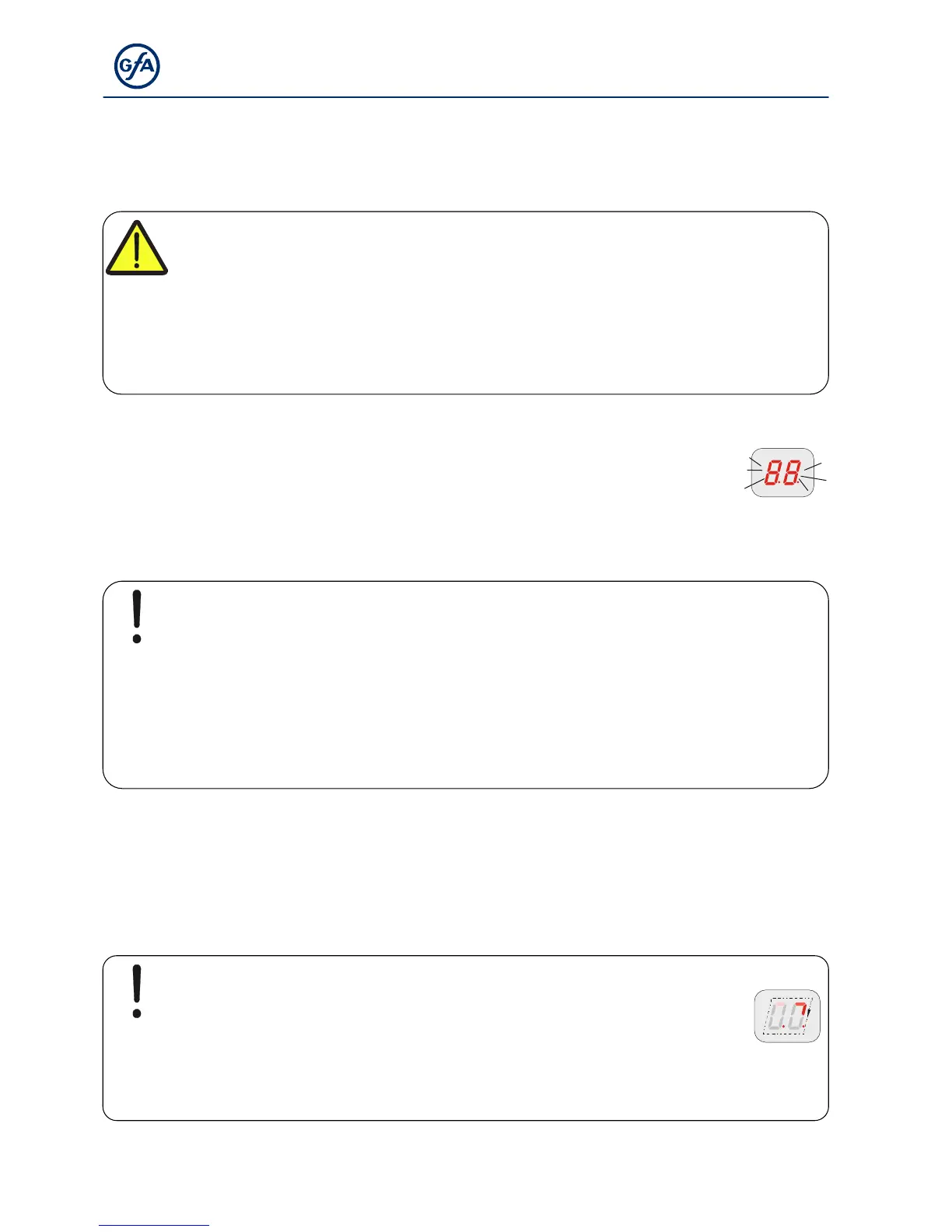
EMERGENCY operation is activated after pressing the STOP push-button and
holding for 7 seconds, and is indicated by the flashing display.
Note!
The door cannot be moved in case of “F1.3” and “F1.4” fault indications for
reasons of operating safety.
▶ Activation of EMERGENCY operation: Use the built in push button of the control
to press and hold the STOP-button while simultaneously pressing the OPEN or
CLOSE push-button to move the door
X3: Input, emergency stop
Connection of an emergency stop control device as per EN 13850 or an evaluation unit for an
anti-trap safety device. The “F1.4” fault indication appears upon activation.
Note!
Frequency inverter drive unit: The emergency stop switches the supply
off. The door control can only be operated again 30 seconds after
unlocking the emergency stop. (Display rotates during this time)



 To Next Page