50
Faults
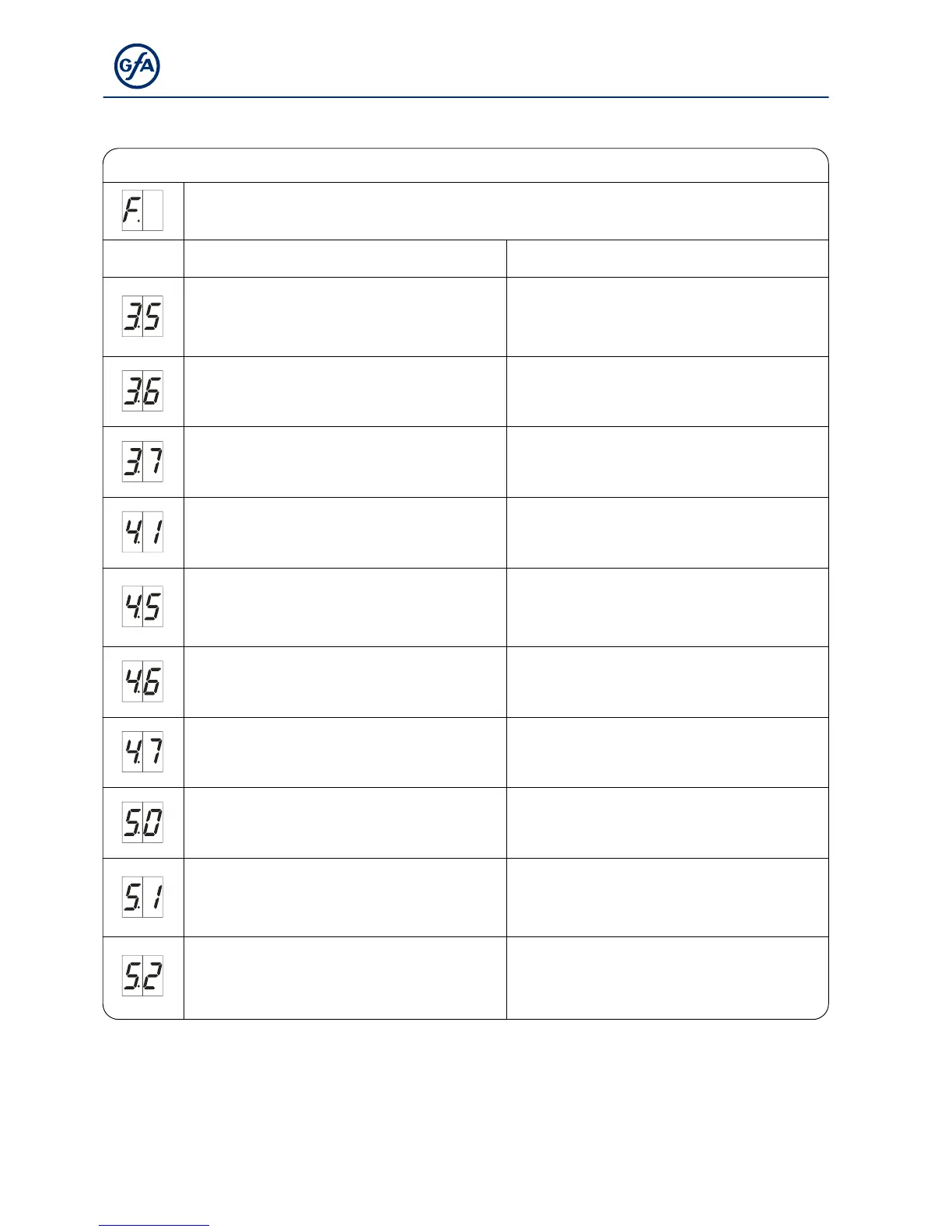
Display: "F" and digit
Code Fault description Fault causes and fault correction
No limit switch detected
(active at initial operation).
Connect the limit switch to the control. Check
the limit-switch connection cable.
Limit switch system has changed over from DES
to NES without the control being reset.
Reset of control via menu item "9.5".
Internal plausibility error.
Execute fault clearance through movement
command.
Triggering of force monitoring. Check the door mechanism for stiffness.
Crash switch X2.1 – X2.2 is activated.
Check crash switch / connection cable. To reset
fault: Press STOP-button and hold for 3
seconds.
Terminals X6.1 – X6.2 are open.
Light curtain has been activated.
Check light curtain.
Check whether the connection cable is
connected.
Light curtain defective.
Comply with the light curtain manufacturer’s
specifications.
Check connection cable.
Fault of the controller.
Switch control off and on.
Replace control if necessary.
ROM error.
Switch control off and on.
Replace control if necessary.
CPU error.
Switch control off and on.
Replace control if necessary.



 To Next Page